

 Calculate Revenue
 Research Markets
 Find For Sale Properties
 Compare My Listing
 STR Revenue Calculator
 Custom Comp Sets
 Submarket Insights
 Custom Search Filters
 Rate Recommendations
 Performance Benchmarking
 Competitor Comparison
 Owner Contact Details
 Property-level performance data
 Tourism Insights
 Real Estate Investment Analytics
 About Us
 Sales
Sales Support
 Press
PressGet More Bookings With Airbnb Virtual Tours
Published: February 2, 2024
Last updated: September 25, 2026

Bram Gallagher
Key Takeaways
- 360-degree virtual tours in Airbnb listings improve the guest booking experience by providing immersive property previews.
- To create an impactful virtual tour, hosts should cover all property areas, emphasize unique features, and consider professional help for high-quality visuals.
- Effectively integrate a virtual tour into your Airbnb listing by including a QR code to your tour in listing photos and updating the listing description to mention the tour.
As the vacation rental industry continues to evolve, cutting-edge technology is the name of the game. Guests love gadgets of all kinds, but one in particular has risen to the top: Airbnb virtual tours (specifically 360 virtual tours).
Previously a darling of the long-term rental and real estate scene, 360 virtual tours offer guests the immersive view they seek before making a booking decision. Airbnb virtual tours are the answer for savvy short-term rental (STR) hosts who want to capture the attention and interest of discerning travelers—and, ultimately, their dollar.
What Is an Airbnb Virtual Tour?
An Airbnb virtual tour is a multimedia experience that allows potential guests to explore and navigate a vacation rental property remotely. Unlike traditional static photos, virtual tours provide an interactive, 360-degree view of the space, offering travelers a more lifelike and immersive view of what the property offers.
These virtual tours typically utilize advanced imaging technology, capturing panoramic views of each room and creating a seamless, interconnected experience. You can create one yourself or work with a company that specializes in 360-degree photography. Hosts can then incorporate these tours into their Airbnb listings so prospective guests can virtually walk through the property from the comfort of their own homes.
Even if your listing includes many high-quality photos, the winning element of virtual tours lies in their dynamic and interactive nature. Instead of merely showcasing selected angles, virtual tours provide a comprehensive, realistic representation of the property's layout and amenities.
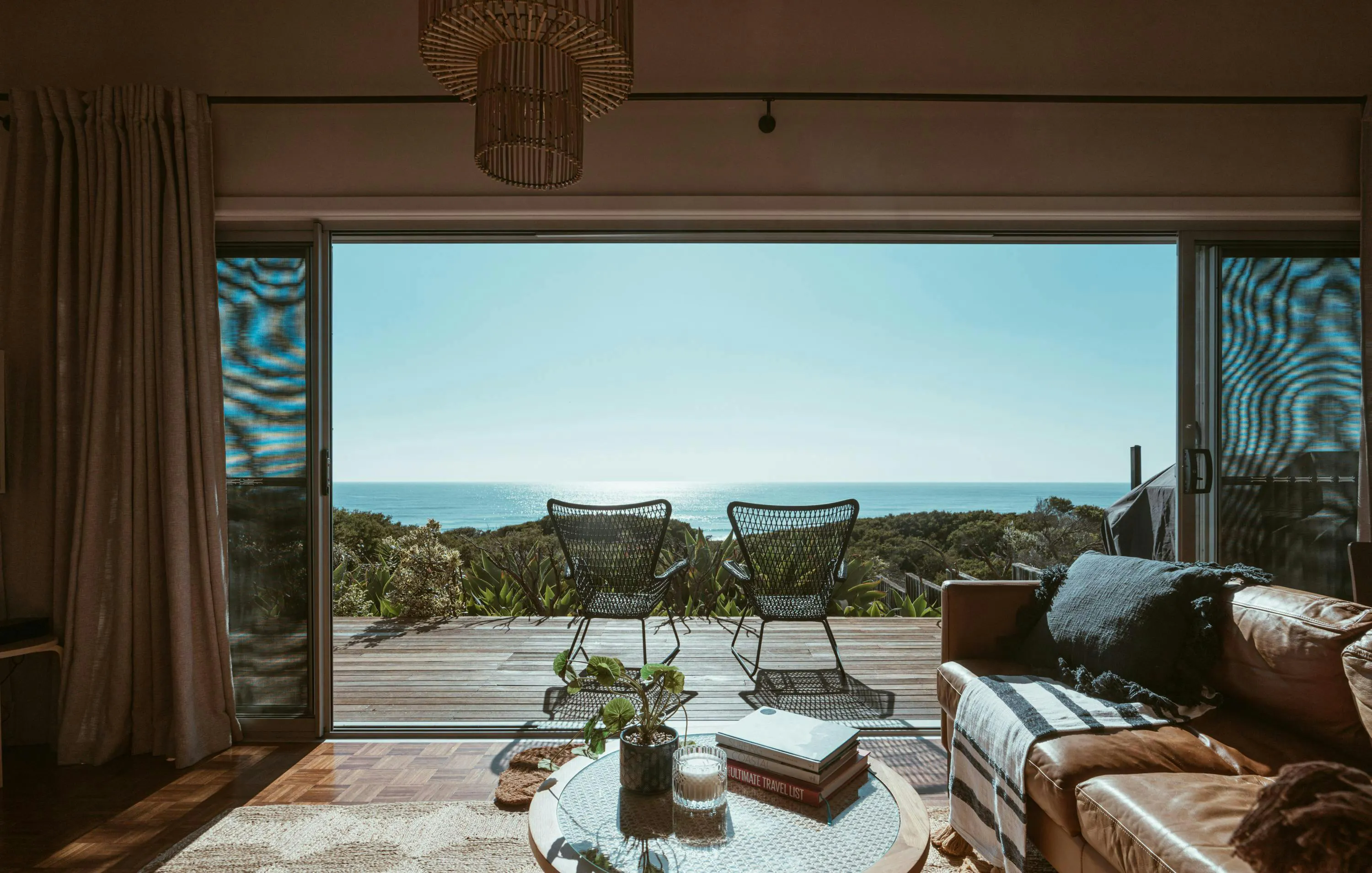
Benefits of Adding an Airbnb Virtual Tour
Adding a virtual tour significantly impacts how potential guests perceive and engage with your vacation rental. Benefits include:
- Better Property Presentation: Potential guests can virtually walk through each room, explore the layout, and get a feel for the ambiance. Highlight the unique features and charm of your vacation rental in a way that static photos can’t quite capture.
- Increased Booking Inquiries: Hosts can generate guest interest and curiosity by offering a realistic picture of the property, leading to a higher volume of booking inquiries.
- Improved Guest Experience and Satisfaction: Guests who have explored a property virtually before booking are likely to have more accurate expectations, leading to higher satisfaction levels during their stay.
How to Create an Airbnb 360 Virtual Tour
Creating an Airbnb 360 virtual tour will give you a unique perspective to share with your guests, but only after you’ve conquered the production process. Here’s how to create a captivating virtual tour and what essential elements to include.
Steps to Create a Virtual Tour
- Plan Your Route: Before diving into filming, plan the route of your virtual tour. Consider the flow and narrative you want to create as guests virtually navigate through your property. Make sure the space is decluttered and staged well.
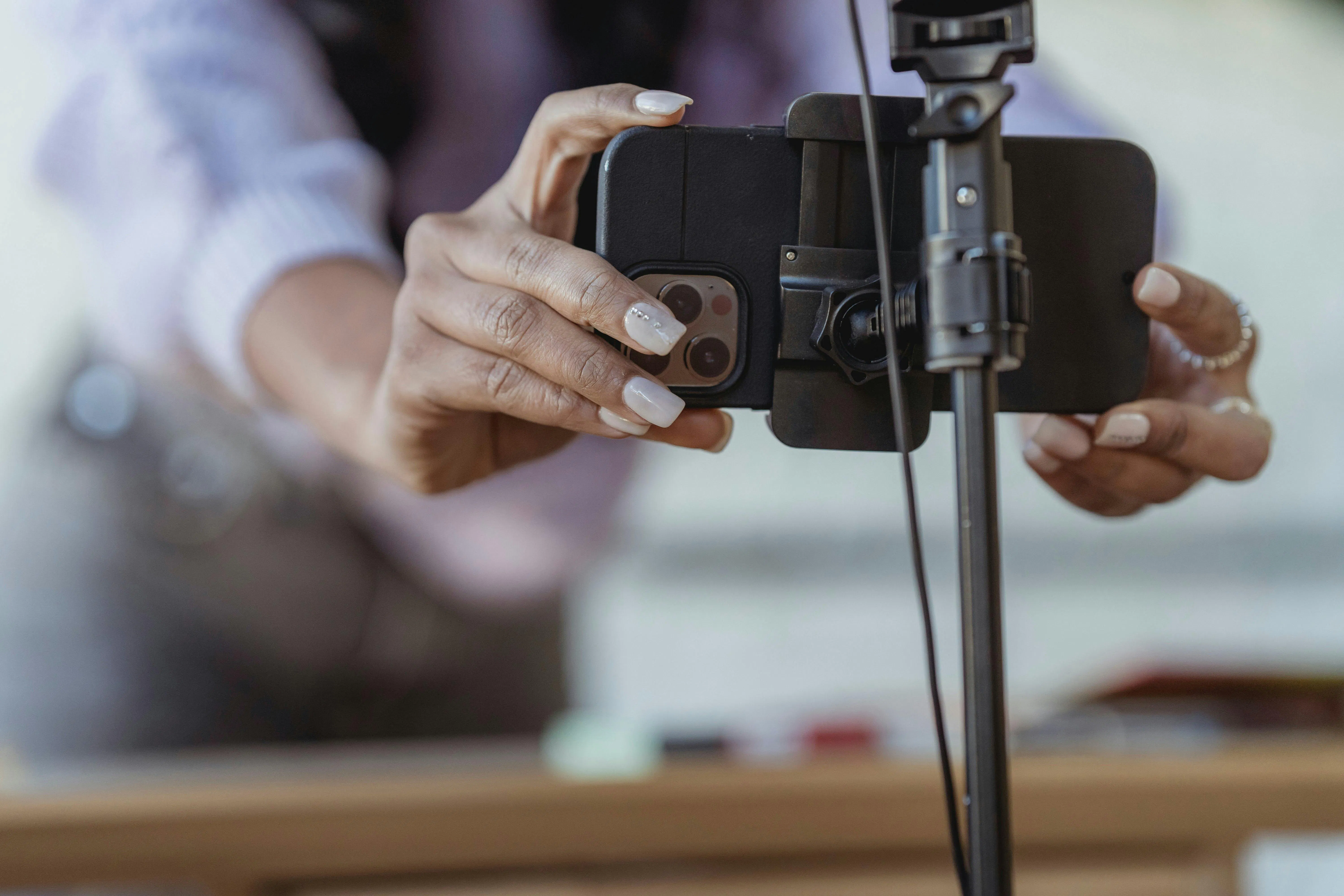
- Choose an Approach: Hosts that prefer a DIY approach can use their own equipment by investing in a 360 camera or smartphone attachment. If you want a more polished product, your best option is to hire a company or professional photographer that specializes in 360-degree photography.
- Capture All Spaces at All Angles: Focus on capturing each room from multiple angles to provide a comprehensive view. Ensure good lighting for clear and vibrant visuals.
- Edit Your Tour With 360 Software: Download a software program that accommodates 360-degree files. Upload your footage into the software to turn individual images into a seamless and engaging virtual tour. Any company you hire will also have the necessary editing equipment and can handle this part for you.
- Preview and Finalize: Put yourself in the shoes of a guest and watch your own virtual tour to make sure it’s smooth and immersive. Make any necessary adjustments.
What to Include in Your Virtual Tour
- Cover the Entire Home: The virtual tour should show all significant areas of your property, including bedrooms, living spaces, kitchen, and any unique features.
- Highlight Key Features: Point out and emphasize special features or amenities. This could be a cozy reading nook, a beautiful garden, or state-of-the-art appliances.
- Provide Context: Include brief descriptions or captions to provide context for each space. Highlight the purpose and functionality of each room.
- Add Points of Interest: 360-degree video companies can add clickable elements to your tour. Use those features to call out spaces or amenities you don’t want prospective guests to miss. .
- Incorporate Exterior Spaces: If applicable, showcase the house’s exterior or outdoor spaces, such as a swimming pool, patios, or balconies.
Don’t hesitate to get even more shots if you have a unique STR. Remember, the goal is to offer potential guests a comprehensive and engaging preview of your property, allowing them to vividly envision their stay.
How to Add a 360 Virtual Tour to Your Airbnb Listing
You’ve created a stunning virtual tour. Now what?
Ensure your tour gets the attention it deserves by seamlessly integrating it into your Airbnb listing. Follow this step-by-step guide to make your virtual tour easily accessible to potential guests:
- Create a QR Code: Hosting your virtual tour on an external platform ensures all features remain intact because Airbnb doesn’t support the interactive nature of a virtual tour file. You can host on a virtual platform yourself, or the company you hire will host it for you. Then, create an image of a QR code that links to your tour platform.
- Access Your Airbnb Host Dashboard: Go to the Airbnb website, log in to your Airbnb host account and access your host dashboard.
- Navigate to Your Listing: Locate the specific property listing to which you want to add the virtual tour. Click on the listing to enter the editing mode.
- Select "Add Photos": Within the listing editor, find the option to add photos. Click on it to open the photo upload section.
- Choose Your Virtual Tour Files: Select and upload the picture of your QR code to your image gallery.
- Update Your Property Description: Mention your virtual tour and what guests can expect from it in the description. This generates excitement for your tour and contributes to effective listing SEO.
- Review and Save Changes: Take a moment to review the changes you've made. Ensure that your QR code is well-placed among your listing photos. Save your changes.

Virtual Tour Placement Matters
The strategic placement of your 360 virtual tour within your Airbnb listing determines its visibility to potential guests and can impact its ability to drive bookings. Here's why:
- First Impressions Count: Potential guests often make quick decisions based on the initial images they see. Placing your virtual tour QR code among the first few photos piques guest curiosity and sets a positive tone for the rest of the time spent exploring your listing.
- Encourage Engagement: Placing the virtual tour in a visible position encourages travelers to engage with it. The more they explore your property virtually, the more likely they are to book.
- Enhance Listing Credibility: Including a virtual tour signals transparency and helps build trust with potential guests.
Need an Easier Option? Consider an Airbnb Video Tour
While Airbnb 360 virtual tours offer an immersive experience, some hosts may opt for an alternative approach: video tours.
Videos allow hosts to narrate or showcase specific features or furniture, providing a storytelling element that resonates with potential guests. Videos can also give viewers a sense of the host's personality and enthusiasm for their property.
However, good quality filming and well-edited videos can be time-intensive and expensive. Plus, some guests may prefer the flexibility of exploring at their own pace through photos or a virtual tour.
Turn Virtual Tours into a Revenue Engine
Airbnb virtual tours have emerged as a powerful tool in the strategic hosts’ arsenal, transforming the way properties are presented to potential guests. However, while virtual tours bring guests to your Airbnb listing, it's the pricing that ultimately seals the deal and converts inquiries into bookings. This is where dynamic pricing tools for short-term rentals come into play.
ARTICLE SUMMARY
Airbnb virtual tours offer a dynamic and immersive way for guests to explore short-term rental properties before booking, enhancing the listing's appeal and potentially its revenue. The best virtual tours capture comprehensive views of the property and are easily accessible to potential guests through strategic placement and QR codes.
Bram Gallagher
AirDNA Director of Economics and Forecasting
Bram Gallagher is an Economist at AirDNA, specializing in uncovering insights that drive smarter short-term rental decisions. He put his Ph.D. in Economics from the University of Georgia to work researching and forecasting hotel data with CBRE prior to joining AirDNA, as well as teaching economics at a number of universities. In his spare time, Bram enjoys making wooden furniture with hand tools.
