


Automate Airbnb Pricing With Claude and ChatGPT
Connect AirDNA Adapt to Claude or ChatGPT. Ask for any portfolio metric, build your own scorecards, and push rate changes back into Adapt. Stop waiting on your pricing tool to build you a new lever.
Works with the AI assistant you already use


WATCH
Meet the AirDNA Adapt MCP
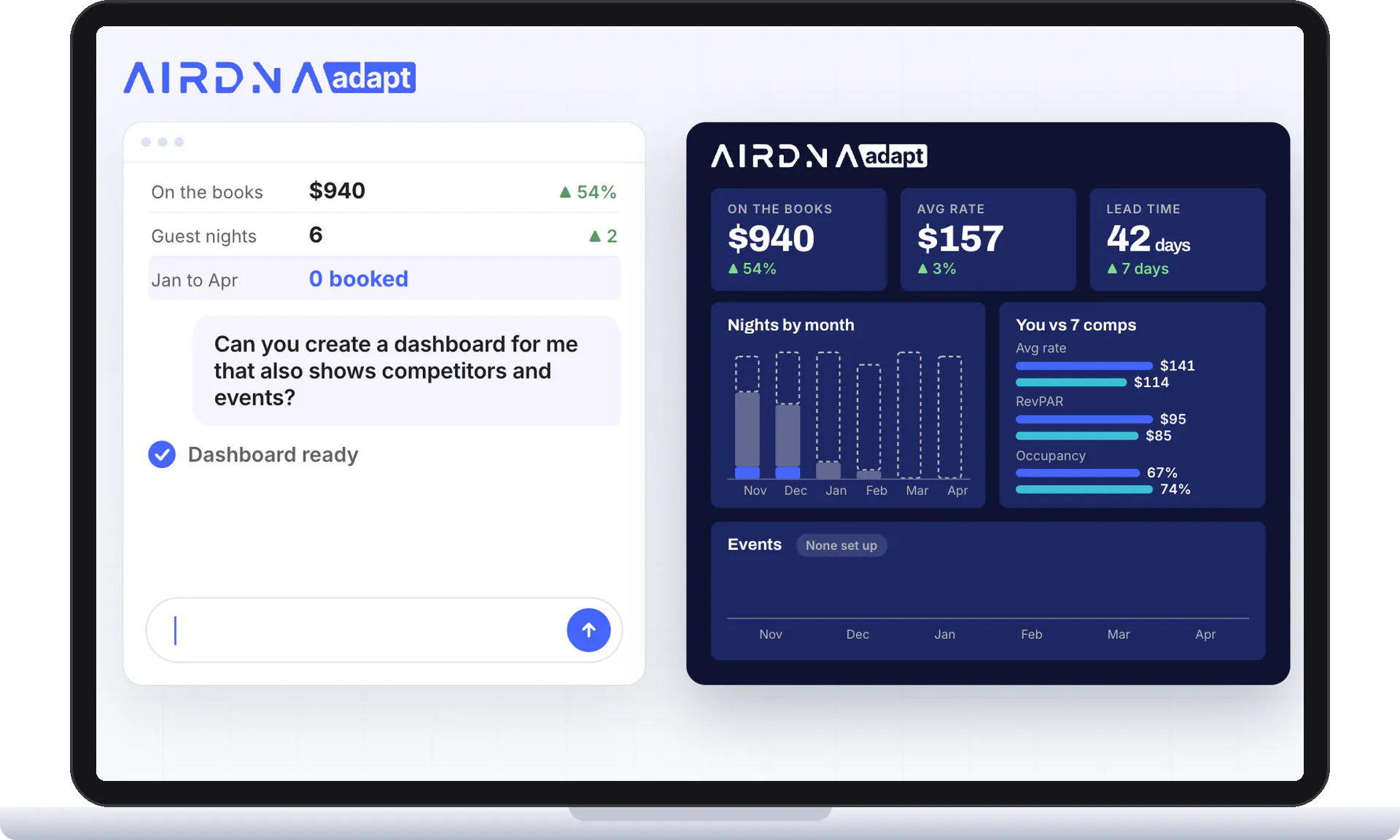
Ask Claude how your listing is pacing and get the answer in seconds, straight from your Adapt data.
Prebuilt skills
What is AirDNA Adapt MCP
The Adapt MCP is a way to use your live AirDNA Adapt data and pricing tools directly in AI assistants like Claude and ChatGPT.
MCP stands for Model Context Protocol, a system that lets AI assistants connect to external tools and data sources, like AirDNA Adapt.
Once connected, ask questions right in chat and get answers backed by your listings, reservations, comps and pricing rules in Adapt. You can even make changes, and nothing updates until you approve it.

Build your own reports
Find the Listing That Needs You in Seconds
Build any scorecard and surface what's urgent across your whole portfolio, instead of opening every unit one by one.
Get Started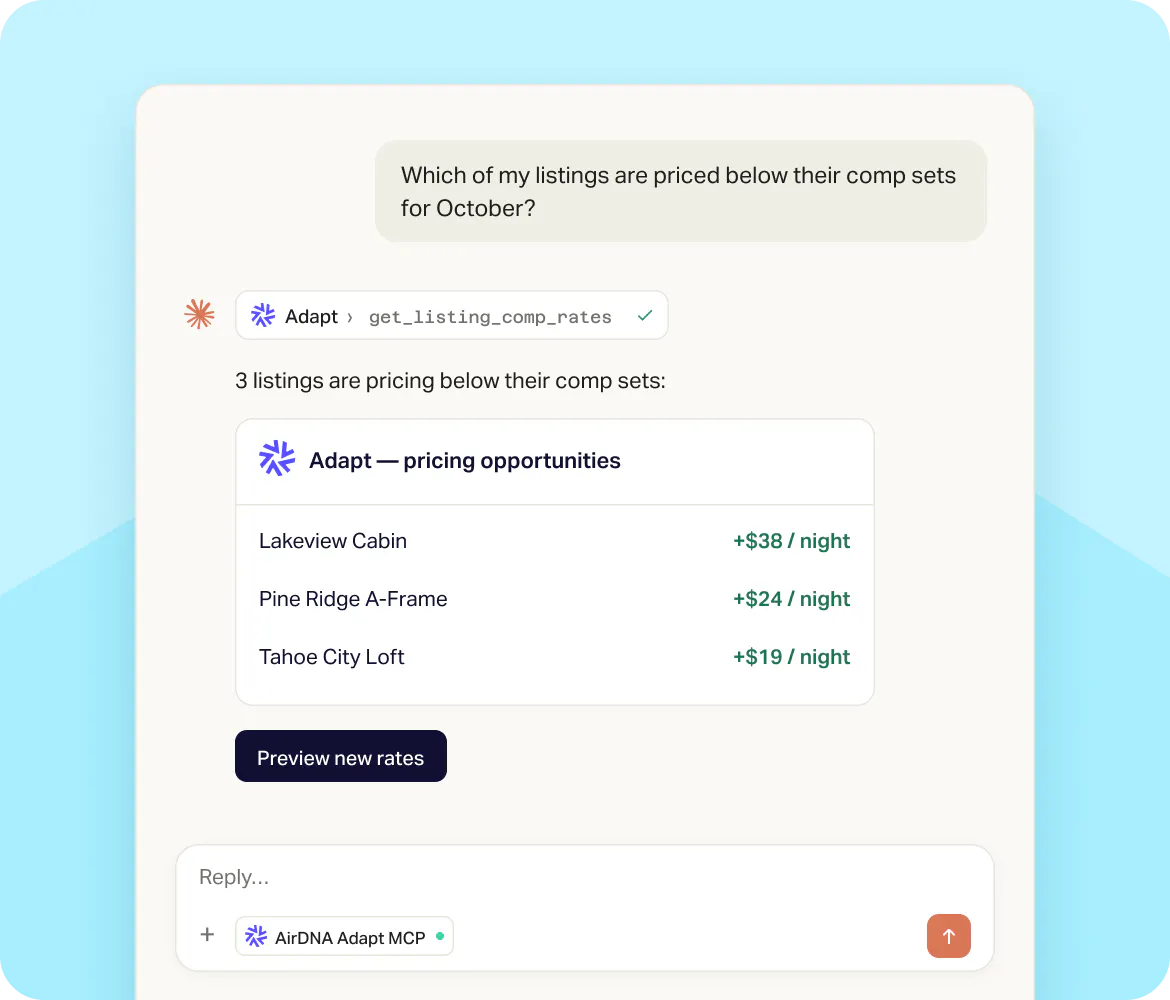
Automations
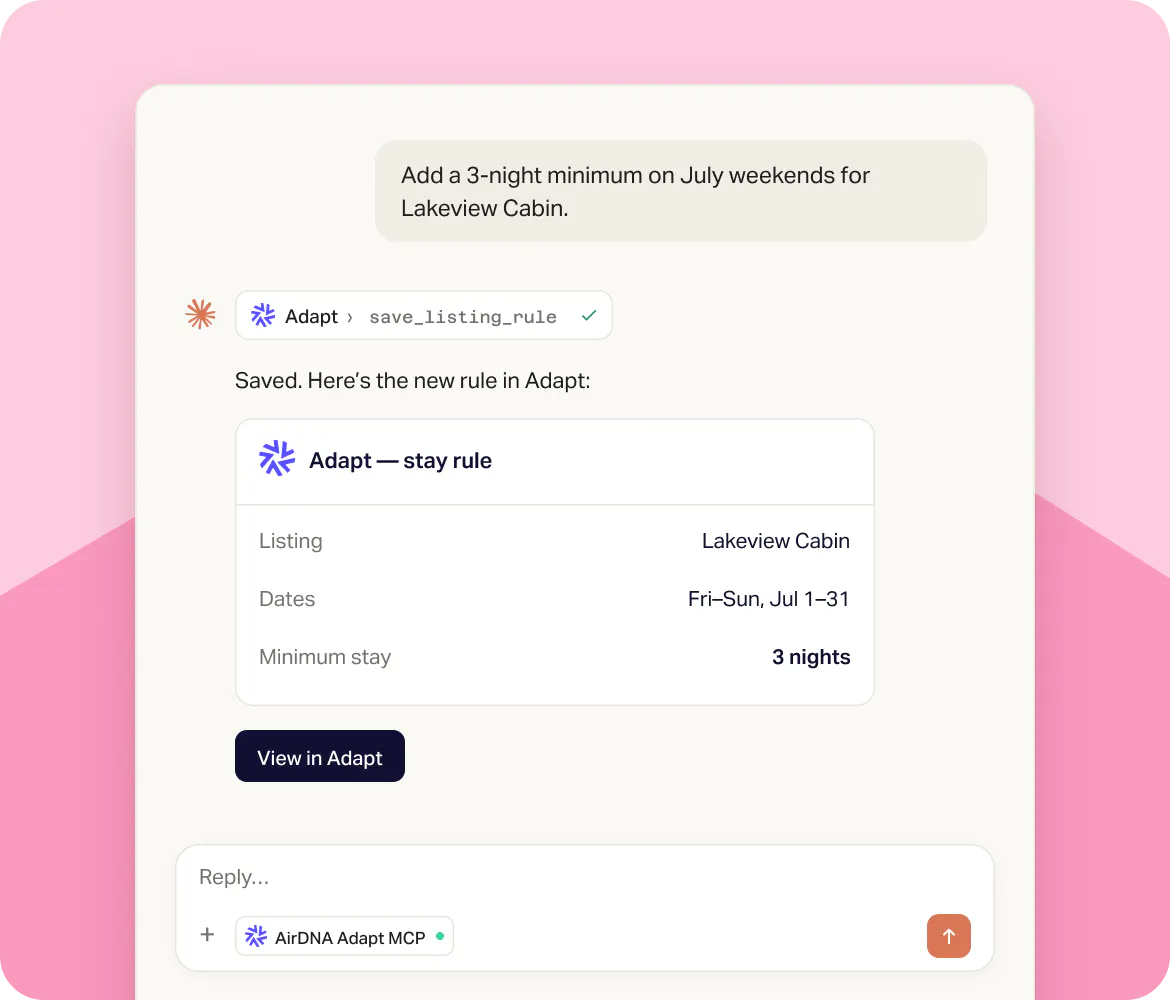
Push Changes Into Adapt, Every Day
Turn your process into a rule once and let it run. Rate changes, minimum stays and strategy tweaks go straight into Adapt, across as many listings as you choose.
Any strategy: the process you use today works here.
Bulk by default: apply one instruction to a market, a group or your whole portfolio.
Guardrails stay on: your floors and ceilings still apply.
Build your own reports
Ask for Exactly the Data You Want
Filter by booking window, check-in dates, market, unit, reservation status, rate vs last year, lead days or minimum rate. Claude builds the report and remembers your rules.
“Don't show me a unit if it's 20% above last year and booked within 30 days.”
Like the answer? Save it as a routine and get the same view every morning.
Get Started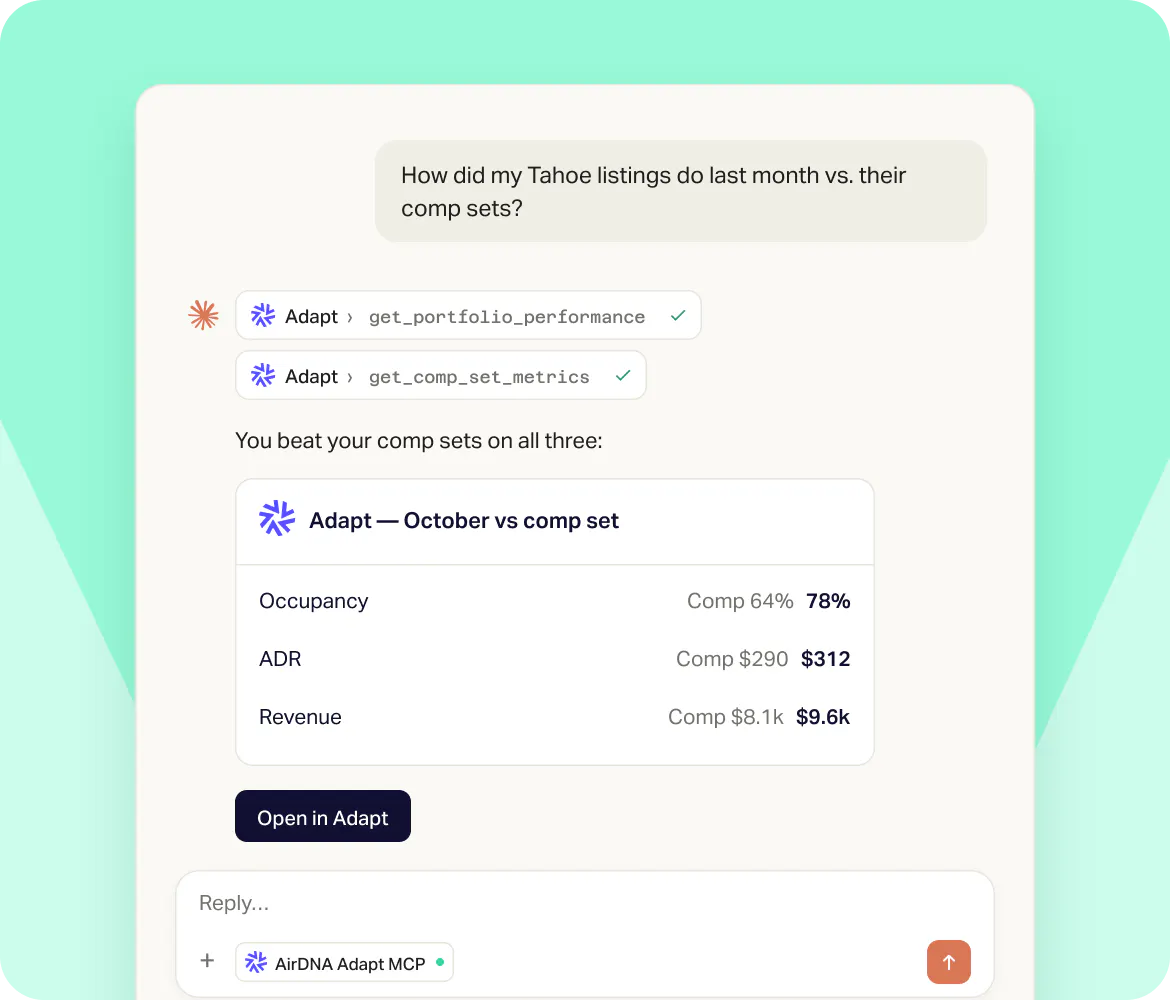
GETTING STARTED
Connect the Adapt MCP in four steps

Connect your listings
Link Airbnb directly or through your PMS. The Adapt MCP only works on listings you've connected to Adapt.

Add to Claude or ChatGPT
Find AirDNA in the Claude directory, or follow the connection steps for ChatGPT.

Sign in with AirDNA
Log in with your AirDNA account so your assistant can see your listings and rules.

Daily revenue brief
Turn Your Best Questions Into a Morning Brief
Use Claude with the Adapt MCP to build a daily brief: pacing, open dates, comp rates and the listings that need attention, all in one view.
Start Pricing with Adapt MCP
Connect Adapt, add the MCP and ask your AI what needs your attention.
Frequently Asked Questions
MCP (Model Context Protocol) connects Adapt to your AI assistant, so ChatGPT or Claude can read your Adapt data and make changes you ask for.
Yes. Tell it what to change and it updates Adapt. Your floors and ceilings still apply.
Claude, Claude Code, ChatGPT, Codex CLI. Support for Cursor, VS Code and other MCP clients is on the way.
No. We show you how to connect here, and once connected you describe what you want in plain English.