

 Calculate Revenue
 Research Markets
 Find For Sale Properties
 Compare My Listing
 STR Revenue Calculator
 Custom Comp Sets
 Submarket Insights
 Custom Search Filters
 Rate Recommendations
 Performance Benchmarking
 Competitor Comparison
 Owner Contact Details
 Property-level performance data
 Tourism Insights
 Real Estate Investment Analytics
 About Us
 Sales
Sales Support
 Press
PressHow to Send a Special Offer on Airbnb
Published: May 29, 2024
Last updated: September 25, 2026

Bram Gallagher
Key Takeaways
- Special offers on Airbnb, such as discounted rates and waived fees, provide hosts with a strategic tool to optimize occupancy and revenue.
- Sending a special offer involves selecting a reservation request, customizing the price, and communicating the details to the guest through the Airbnb dashboard.
- It’s possible to withdraw special offers, allowing hosts to adjust to changes in financial circumstances or booking strategies.
Everybody loves a deal. It’s a fact: receiving coupons and discounts causes an oxytocin spike that decreases stress and makes people feel happy.
Sending a special offer on Airbnb is a great way for hosts to attract more guests and increase bookings. Hosts give prospective guests something to feel excited about when they offer a discount or other incentive
Special offers can include discounts such as:
- Lower nightly rates
- Free airport transfer
- Reduced or waived security deposit
- Discounted cleaning fees
- Service fee discount or waiver for returning guests
Here’s a step-by-step guide on how to send a special offer on Airbnb—and make a guest's day when they open the message!
How is your STR performing?
Your vacation rental may be amazing, but is it better than your competition? Connect your Airbnb listing to AirDNA to see its Booking Performance Score

How to Send a Special Offer on Airbnb
- Go to your Airbnb dashboard: Log in to Airbnb and navigate to your dashboard to find your property listings and any pending reservation requests.
- Select the reservation request: Locate the specific reservation request and guest to whom you want to send a special offer, then click to open it.
- Review the details: Take a look at the details of the reservation request, including the guest's name, dates of stay, and any specific requirements they may have mentioned.
- Click on "Special Offer": Within the reservation request, find the option for sending a special offer and click on it to get started.
- Set the custom price: Airbnb lets hosts set custom prices for guests, either as discounts or as additional fees. Enter the price you’d like to offer the guest for their stay.
- Include additional details: Along with the custom price, you can write a message before they book to explain the special offer. This lets you highlight the benefits that you’re offering, or simply thank the guest for their interest in booking with you.
- Review and send: Double-check the details of the special offer for accuracy, then click "Send Special Offer" to get the offer over to the guest.
- Await guest response: Guests have 24 hours to accept, decline, or counter your offer.
- Monitor communication: Keep an eye out for messages about the special offer, and respond promptly to any inquiries or requests for clarification.
- Finalize the booking: Once the guest accepts the offer, the booking is confirmed and reservation details will be updated. Make sure to update your calendar and get ready for the guest's stay.
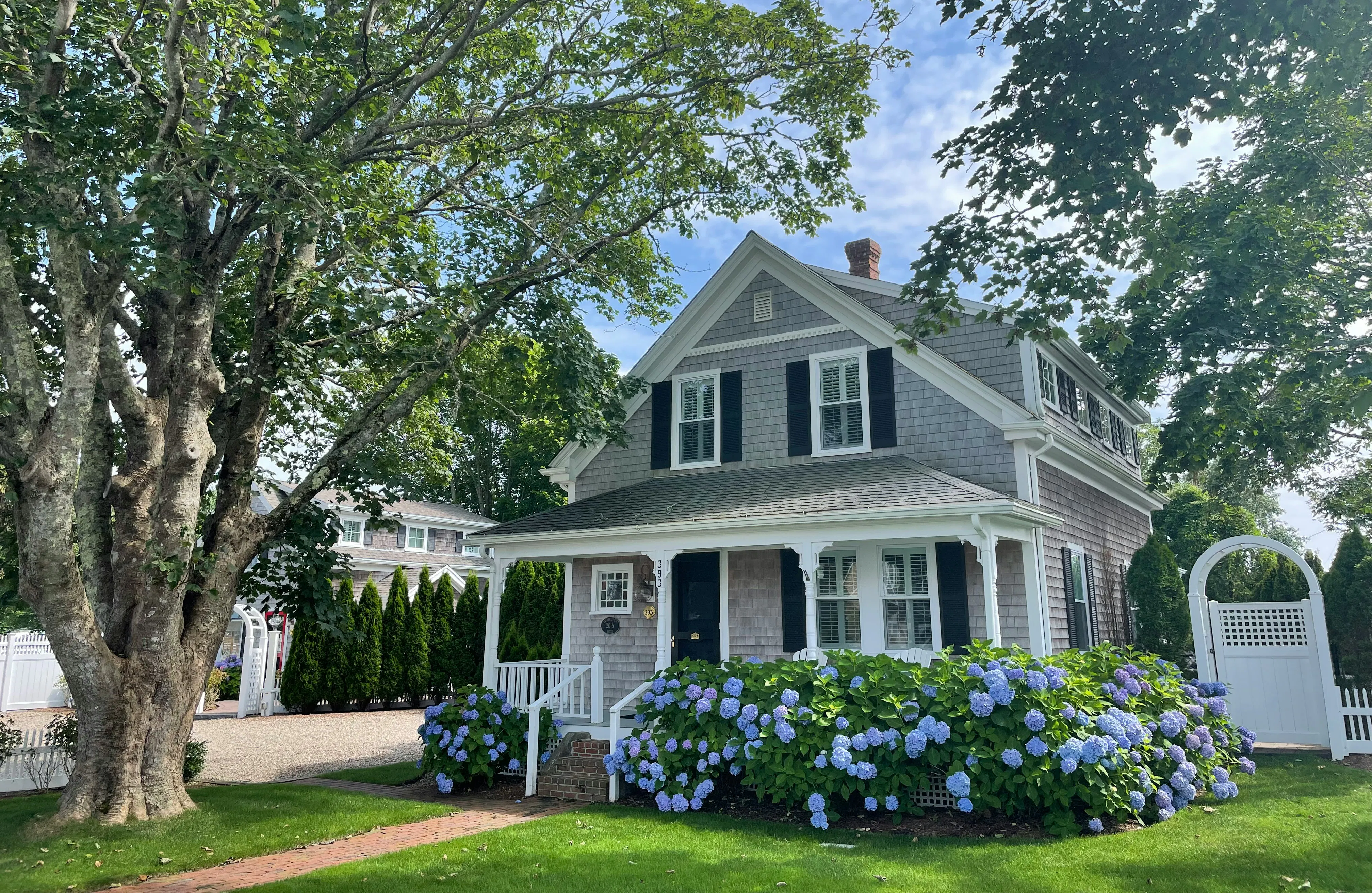
How to Withdraw a Special Offer on Airbnb
Perhaps your previous month’s earnings weren’t what you expected, and you can no longer afford to give a discount. Or, you accidentally offered a discount on a double booking where multiple guests requested for the same dates. We get it—things change. Luckily, Airbnb allows you to make alterations to special offers.
- Go to your Airbnb dashboard: Log in to Airbnb and navigate to your dashboard to see all your property listings and pending reservation requests.
- Locate the special offer: Find the special offer that you want to withdraw by looking in the list of pending reservation requests, or in your message thread with the guest.
- Open the special offer: Click on the special offer to open it and view the details. You'll see options for modifying or withdrawing the offer.
- Withdraw the offer: Click "Withdraw Offer" or "Cancel Offer" to proceed.
- Confirm withdrawal: Airbnb will ask for confirmation to withdraw the special offer. Click "Confirm" once you’re sure you want to finalize the withdrawal.
- Notify the guest (optional): You may wish to send the guest a message explaining why you withdrew the special offer as a way to maintain transparency.
- Monitor communication: Keep an eye out for follow-up communication from the guest, and address any inquiries or concerns they may have about the withdrawn offer.
- Consider alternative options: If you withdrew the special offer due to pricing or availability changes, consider negotiating a different offer that meets both you and your guest’s needs.
- Update the listing: Update your calendar and make sure your property's availability and pricing are accurately represented.
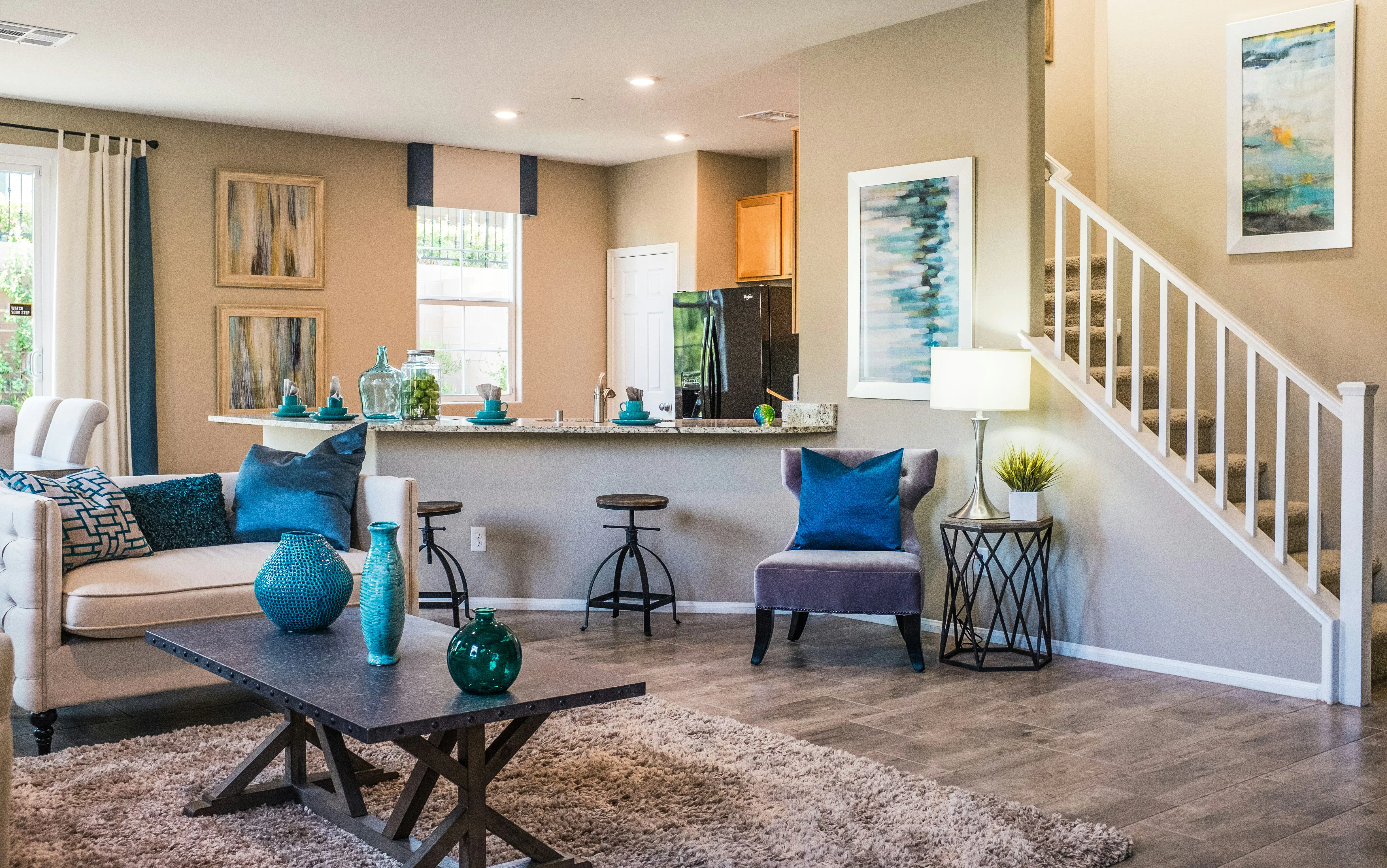
How to Use Special Offers to Boost Your Revenue
Special offers are an unbeatable way for Airbnb hosts to attract guests, increase bookings, and earn more revenue. However, not every special offer is created equal, and some work better than others in certain settings.
Here are some different special offers to try:
- Promotions: Get bookings during off-peak or low occupancy seasons by using percentage discounts, fixed amount discounts, or discounted rates for extended stays.
- Last-minute deals: Fill vacancies and generate revenue from unoccupied nights by offering special discounts or deals for guests looking to book accommodations on short notice.
- Long-term stays: Encourage longer stays by offering special rates or discounts for guests booking extended trips. These can include weekly or monthly discounts that appeal to business travelers or remote workers.
- Seasonal promotions: Create seasonal promotions or themed offers to capitalize on holidays, festivals, or local events. If an event happens on the same dates every year, consider making a special offer during that time period every year.
- Bundle deals: Package additional amenities or services to create value-added bundle deals. Perks might include complimentary breakfast, airport transfers, or activity discounts that add to the guest experience.
- Repeat guest discounts: Reward loyal guests with exclusive discounts or perks for their repeat bookings. Consider discounts on cleaning fees or lower security deposits for guests who previously stayed at your property. If you had a guest stay during a time of year when occupancy is low, consider incentivizing them to book the same dates again with a special offer.
- Early bird discounts: Get ahead of the competition by offering special rates to guests for reservations made well in advance of their stay. Early bird promotions help secure bookings and boost occupancy rates during peak seasons.
- Referral programs: If someone refers their friends and family to your rental, they deserve a reward or discount. Incentivizing word-of-mouth marketing is an easy way to spread the word with minimal effort on your part as a host.
- Dynamic pricing strategies: Use AirDNA to adjust your special offers based on demand, competition, and market trends. Your pricing strategy should aim to maximize revenue while remaining competitive.
Strategically using special offers is just one tool in your toolkit for boosting Airbnb revenue. Check out our complete guide on maximizing your property’s earning potential for more tips.
ARTICLE SUMMARY
This guide covers setting up discounts, communicating offers to potential guests, and withdrawing offers if necessary. We provide a list of potential special offers with tips on how to best use them.
Bram Gallagher
AirDNA Director of Economics and Forecasting
Bram Gallagher is an Economist at AirDNA, specializing in uncovering insights that drive smarter short-term rental decisions. He put his Ph.D. in Economics from the University of Georgia to work researching and forecasting hotel data with CBRE prior to joining AirDNA, as well as teaching economics at a number of universities. In his spare time, Bram enjoys making wooden furniture with hand tools.
