

 Calculate Revenue
 Research Markets
 Find For Sale Properties
 Compare My Listing
 STR Revenue Calculator
 Custom Comp Sets
 Submarket Insights
 Custom Search Filters
 Rate Recommendations
 Performance Benchmarking
 Competitor Comparison
 Owner Contact Details
 Property-level performance data
 Tourism Insights
 Real Estate Investment Analytics
 About Us
 Sales
Sales Support
 Press
PressHow to Link Airbnb and Vrbo Calendars: A Step by Step Guide
Published: May 17, 2024
Last updated: September 25, 2026

Bram Gallagher
Key Takeaways
- Synchronizing your calendar prevents double bookings and scheduling conflicts.
- You can sync your Airbnb and Vrbo calendars manually through iCal links or by using a channel manager like Uplisting for instant updates.
- Syncing calendars can save time, reduce errors, and optimize booking potential for better guest satisfaction.
Have you ever scrambled to resolve a double booking on Airbnb or Vrbo, feeling the heat as you tried to soothe frustrated guests?
This common headache for vacation rental hosts can tarnish your hard-earned reputation and add unnecessary stress to your hosting experience. However, there’s a reliable solution: syncing your calendars.
If you list on multiple platforms, synchronizing your calendars keeps your availability accurate, eliminates overlaps, and maintains your credibility as a host. In this guide, we’ll show you how to link Airbnb and Vrbo calendars so you can streamline your operations and keep guests happy.
Host Confidently
Know exactly how much to charge based on your vacation rental pricing strategy.
Ways to Sync Your Airbnb and Vrbo Calendars
There are two main ways to sync your Airbnb and Vrbo calendars:
1. Sync Manually
Most booking platforms, like Airbnb and Vrbo, allow hosts to manually sync their listings through iCal links, which can be a budget-friendly option.
However, it's important to note that these updates typically occur periodically, not instantly. This might pose challenges during high-traffic seasons when bookings can come in rapidly and simultaneously from different sources.
As a result, hosts need to stay on top of monitoring and frequently updating their calendars on each platform to keep availability and bookings accurately synchronized across all listings.
2. Use a Channel Manager
A channel manager automates the syncing process between different booking platforms, offering a crucial advantage: instant updates. Any changes made to one calendar are immediately reflected in all others.
This not only saves time but also reduces the chances of human error and prevents double bookings.
One popular channel manager is Uplisting. The platform offers a comprehensive multi-calendar that allows hosts to manage prices, availability, and restrictions across all channels from a single view. It features real-time updates and color-coded bookings for easy management. Uplisting also integrates seamlessly with major platforms like Airbnb, Vrbo, and direct booking websites, keeping all calendars perfectly synchronized.
Manually syncing your calendar or using a channel manager are both viable options and hosts should choose based on their preferences, budgets, and the scale of their operations. If you’re not sure whether a channel or property manager is right for you, we have an article for that: Do I Need a Property Manager to Rent My Home? 7 Signs It’s Time to Hire Help

How to Sync Airbnb and Vrbo Calendars Manually
In order to keep your calendars on Airbnb and Vrbo up-to-date with each other, you'll need to export your calendar from each platform and then import it on the other platform. If you’re listed on both then this process is repeated twice to make sure that both calendars are synced correctly.
Here’s a step-by-step look at the process:
Access and Export Your Airbnb Calendar
1. Log into Airbnb and click Calendar. Select the listing calendar you want to change.
2. Click Availability
3. Under Connect calendars, click Airbnb Calendar Export
4. Copy the iCal URL
Import Your Airbnb Calendar to Vrbo
1. Log into Vrbo and select the appropriate listing.
2. Select Calendar
3. Select Import & export
4. Select Import a Calendar to open the edit panel.
5. Retrieve the iCal URL you copied earlier from Airbnb.
6. Paste the address in the URL field in the edit panel.
Access and Export Your Vrbo Calendar
1. Select the Vrbo listing that you want to to sync (important if you have multiple listings)
2. Select Calendar
3. Select Import & export
4. Select Export calendar
5. Select Copy URL
Import Your Vrbo Calendar to Airbnb
1. Within Airbnb, click Calendar and select the listing calendar you want to change
Click Availability
2. Under Connect calendars, click Calendar import
3. Paste the iCal URL you copied earlier from Vrbo into the calendar address field.
5. Give the calendar a name and click Save
Finalize and Monitor Your Calendars
1. Check to make sure that the imported calendars are correctly reflecting bookings across both platforms.
2. Regularly check and manually update both calendars to keep them properly synchronized.
Ditch the guesswork
Plan your STR strategy based on real booking activity and trends—plus, see how things change year over year.
Why Is Calendar Management Essential for Vacation Rentals?
When guests book a rental, they expect a seamless and hassle-free experience from start to finish.
Syncing calendars across multiple platforms ensures that what guests see is exactly what they get: real-time availability without the risk of double bookings or scheduling conflicts on the same dates.
This not only safeguards the guest experience by preventing disappointment and inconvenience but also protects and demonstrates the host’s reputation for reliability.
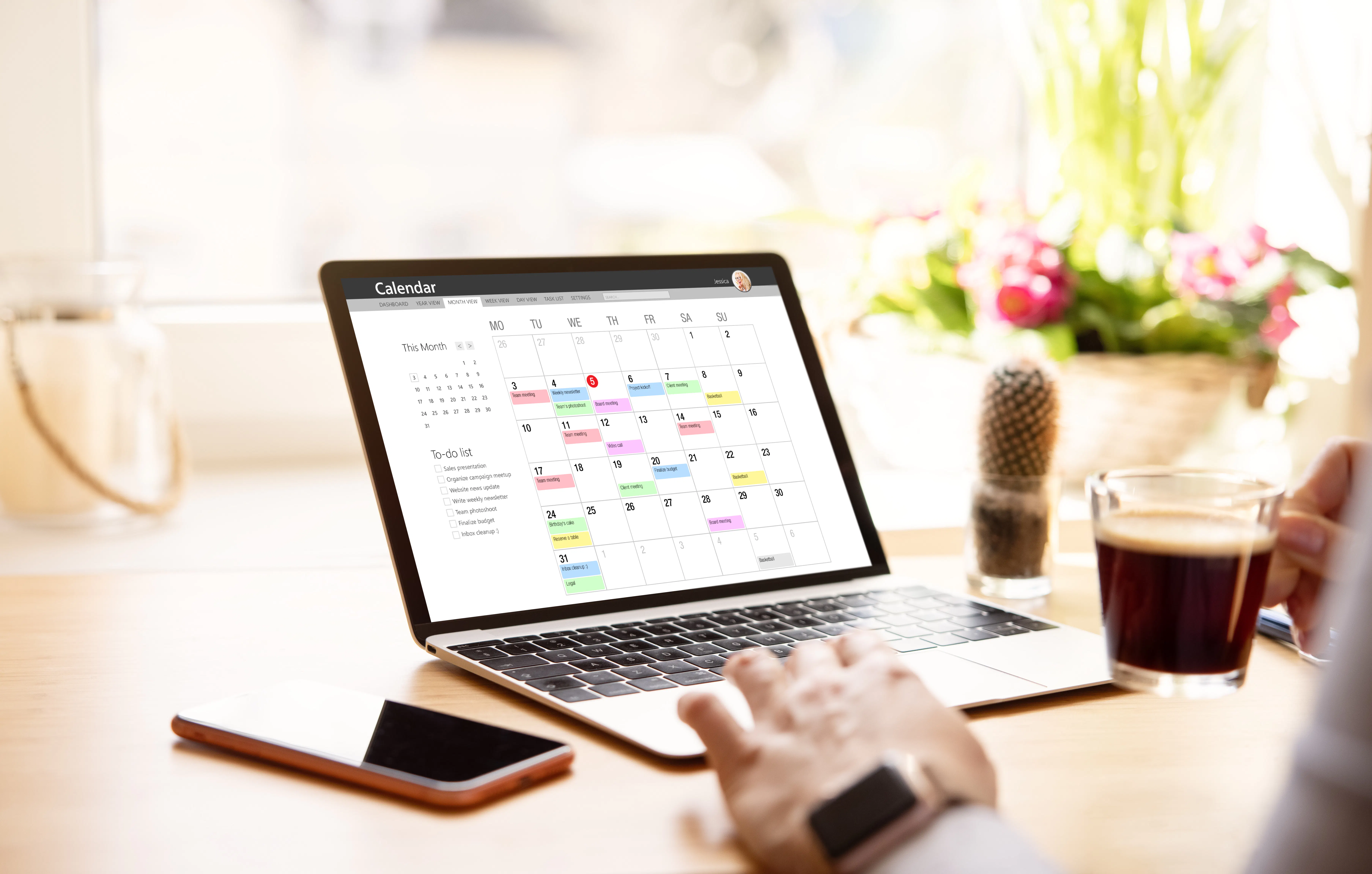
Benefits of Linking Your Airbnb and Vrbo Calendars
Avoid Double Bookings
Linking calendars across Airbnb and Vrbo automatically updates availability, preventing overlapping bookings and making booking management seamless for hosts.
Streamlined Operations and Increased Efficiency
A well-managed calendar system helps hosts to clearly visualize their property’s occupancy. Orphan days, or short periods of time between bookings when your rental sits empty, become easier to identify. This makes it easier to take action to optimize your booking potential, through discounted rates for recurring dead periods or adopting a minimum night stay policy, for instance.
On the most basic level, syncing calendars reduces manual entry and administrative errors. This frees up time for hosts to focus on improving guest services, expanding their rental portfolio, or perhaps just taking a well-deserved break.
Better Guest Experience
A synced calendar system provides accurate availability information, improving guest satisfaction with a reliable and transparent booking process.

Best Practices for Calendar Syncing
Effective calendar syncing requires a consistent approach to ensure all your bookings are up-to-date across platforms. Here are some best practices:
- Review Your Calendars Often: Review and update your calendars frequently to reflect any new bookings or changes immediately.
- Use Alerts and Notifications: Set up alerts or notifications for new bookings or changes in either platform to stay informed in real-time.
- Backup Your Data: Regularly export and save your calendar data to prevent data loss and provide a fallback in case of synchronization issues.
Common Pitfalls and How to Avoid Them
While syncing calendars simplifies management of your vacation rentals, it's important to be aware of several common pitfalls that could complicate the process. Here’s how to navigate these challenges effectively:
- Overlapping Bookings: Double-check that the settings for time zones and booking windows align across both platforms. If you choose to opt out of InstantBook in favor of screening guests before accepting them, this can offer a buffer period between booking requests and confirmations that allows you to catch and prevent overlaps before they happen.
- Technical Errors: Regularly test the import and export functions of your calendar links to make sure that they are functioning correctly. If errors persist, consider reaching out to customer support for both platforms.
- Missed Manual Updates: In cases where automatic syncing isn’t possible, set reminders to manually update your calendars at least once a day or immediately after a booking is made.

Frequently Asked Questions
How often should I sync my Airbnb and Vrbo calendars?
It's best to sync your calendars immediately after each booking. If syncing manually, aim to check and update your calendars at least once a day.
Can I sync my Airbnb and Vrbo calendars automatically?
Yes, you can use a channel manager like Uplisting to automatically synchronize your calendars across both platforms. This tool updates real-time changes in one calendar across all connected platforms, minimizing manual effort and reducing the risk of errors.
What should I do if I notice a synchronization error between my calendars?
What should I do if I notice a synchronization error between my calendars?
First, verify that the calendar settings are correct within each booking platform. Time zones and booking windows should be consistent across both. Next, check the links you've set up for exporting and importing your iCal links. If the settings are correct but issues persist, contact customer support for either Airbnb or Vrbo to resolve the synchronization issues.
Can I set different availability and pricing on Airbnb and Vrbo?
While you can set different pricing and availability, it is generally recommended to keep your listings consistent across platforms to avoid confusion and to keep the guest experience consistent. If you choose to differentiate across platforms, have a clear system in place for managing and updating the synced calendar regularly to reflect true availability and pricing.
For more comprehensive insights and tips on creating a seamless hosting experience, check out our Beginner's Guide to Hosting.
How is your STR performing?
Your vacation rental may be amazing, but is it better than your competition? Connect your Airbnb listing to AirDNA to see its Booking Performance Score
ARTICLE SUMMARY
In this guide, we explain how to link your Airbnb and Vrbo calendars and point out common syncing mistakes that could cost you time and money.
Bram Gallagher
AirDNA Director of Economics and Forecasting
Bram Gallagher is an Economist at AirDNA, specializing in uncovering insights that drive smarter short-term rental decisions. He put his Ph.D. in Economics from the University of Georgia to work researching and forecasting hotel data with CBRE prior to joining AirDNA, as well as teaching economics at a number of universities. In his spare time, Bram enjoys making wooden furniture with hand tools.
