

 Calculate Revenue
 Research Markets
 Find For Sale Properties
 Compare My Listing
 STR Revenue Calculator
 Custom Comp Sets
 Submarket Insights
 Custom Search Filters
 Rate Recommendations
 Performance Benchmarking
 Competitor Comparison
 Owner Contact Details
 Property-level performance data
 Tourism Insights
 Real Estate Investment Analytics
 About Us
 Sales
Sales Support
 Press
PressAtlanta World Cup 2026 Hosting Guide for Airbnb
Published: February 2, 2026
Last updated: September 25, 2026

Bram Gallagher
Key Takeaways:
- The World Cup will bring sustained, high-intensity demand to Atlanta, giving well-located and group-friendly listings a chance to earn meaningful rate premiums.
- Atlanta’s STR regulations require proper licensing, local residency, property limits, and compliance with hotel-motel taxes.
- Early planning and smart pricing is critical in Atlanta, where knockout-round matches are likely to trigger sudden booking surges.
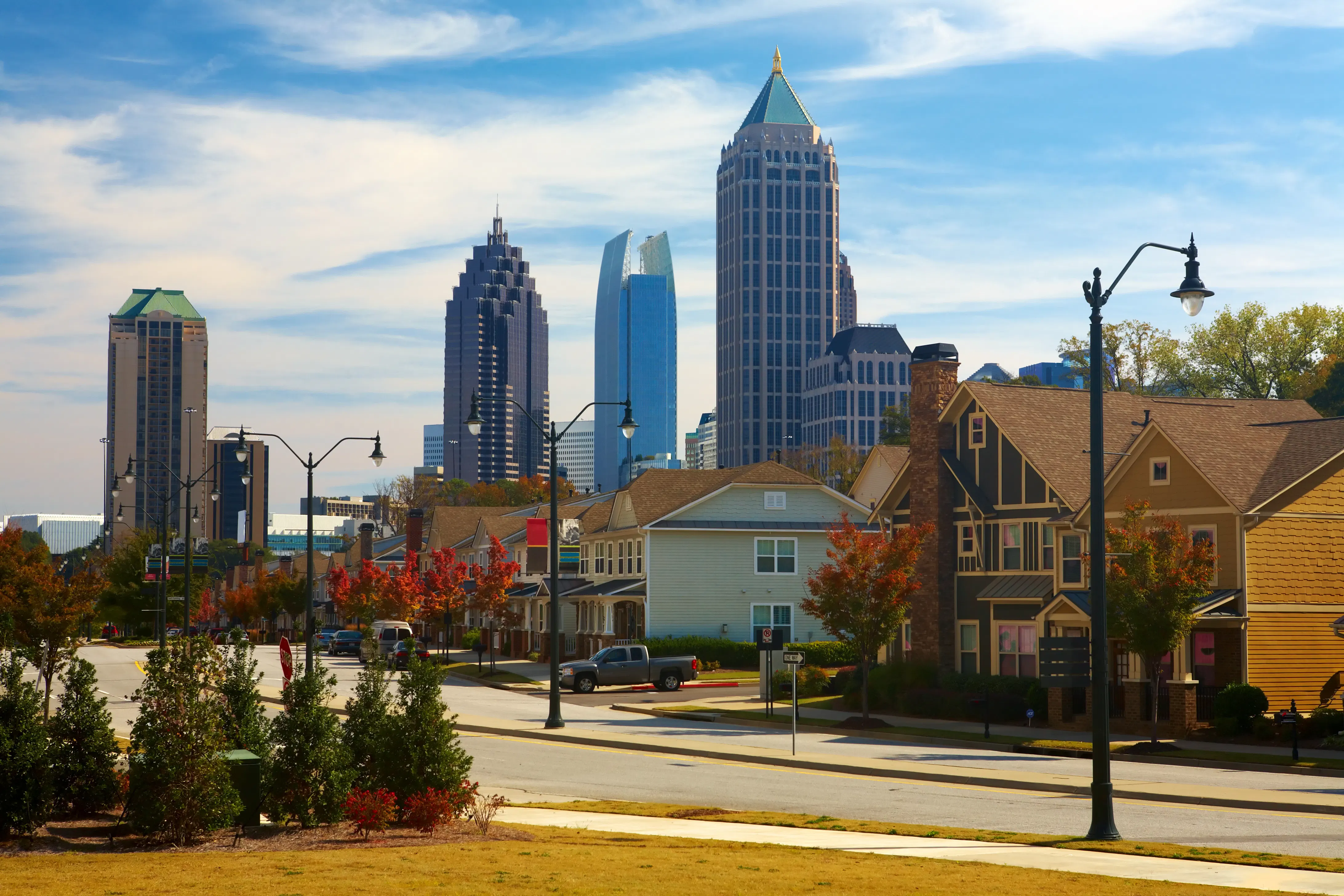
If there’s ever been a year to try out Airbnb hosting in Atlanta, this is it. With the FIFA World Cup 2026 coming to town, the city’s getting ready for a huge wave of visitors, and many of them will be looking for places to stay beyond traditional hotels.
Atlanta is set to host eight matches at Mercedes-Benz Stadium, including a semi-final, which will bring weeks of packed stadiums, fan buzz, and steady travel demand.
It’s a chance to earn some unprecedented income from short-term rentals. Whether you're already hosting, just getting started, or thinking about turning your own home into an Airbnb for a few nights, this is a moment that could really pay off.
To help you get started, we’ve compiled the critical information you need to make game-changing money with a step-by-step Atlanta World Cup hosting guide.
FIFA World Cup 2026 Snapshot
Stadium: Mercedes‑Benz Stadium
Location: Downtown Atlanta
Capacity: 75,000
The FIFA World Cup match dates in Atlanta include 5 group stage matches:
- June 15: Spain vs. Cabo Verde
- June 18: TBD vs. South Africa
- June 21: Spain vs. Saudi Arabia
- June 24: Morocco vs. Haiti
- June 27: Uzbekistan vs. TBD
Atlanta is also hosting two knockout rounds and a semi-final, whose contenders will be determined by group stage results:
- July 1 – First knockout round
- July 7 – Second knockout round
- July 15 – Semi-final
Airbnb estimates around 6,000 guests will stay with Atlanta hosts during the event, totaling roughly 45,000 guest nights. For locals considering World Cup Airbnb hosting, this kind of booking surge is rare and well worth preparing for early.
7 Steps to Get Ready for Airbnb Hosting During the Atlanta World Cup 2026
With the World Cup coming to Atlanta, fans will be coming and going for weeks. Now is the time to make sure you're set up to stand out and earn as much as possible while the city’s in the spotlight.
1. Check Your Local Regulations
Before you list your place, make sure you’re playing by the rules. Atlanta has short-term rental regulations in place and the city’s more likely to enforce them during a major event like the World Cup.
Here’s what you need to know:
- Atlanta requires all short-term rental hosts to have a license.
- You must be an Atlanta resident and can register up to two properties: your primary residence and one additional unit.
- The license costs $150 per year and needs to be displayed on your Airbnb listing.
- Short-term rentals are defined as stays of 30 nights or less.
As for taxes: Airbnb covers state taxes, like Georgia sales tax and the $5/night lodging fee. However, Atlanta’s 8% hotel-motel tax is usually up to you, meaning you may need to collect it from guests and submit it to the city directly.
If you live in a condo or HOA, check for extra restrictions. While there aren’t any special World Cup rules (yet), stay on top of policy chatter concerning short-term rentals. It’s not unusual for cities to temporarily change licensing and operating requirements during high-demand events like this.
Visit the City of Atlanta’s short-term rental portal to learn more about Airbnb regulations in Atlanta or to start your license application. If you're not sure how to find rules for your specific area, our blog on sourcing local STR ordinances can help walk you through it.
Note: Regulations can change and enforcement tends to ramp up during major events, so always double-check with official city sources before listing.
Are you leaving nights on the table?
Use AirDNA to understand why some listings book up faster and how to catch up.
2. Create Your Listing
Now it’s time to put your place on the map.
Creating an Airbnb listing in Atlanta is pretty simple, but during a high-demand event like the FIFA World Cup 2026, a few extra touches can make a big difference in getting noticed (and booked).
Here’s how to make your listing work harder for you:
Take great photographs
Good lighting, clean rooms, and wide shots go a long way. Show every room clearly, and if you’re near Mercedes-Benz Stadium, the BeltLine, or MARTA, give people a sense of how close they’ll be to the action. Having a well staged and well photographed property is Airbnb hosting basics 101.
Write a catchy title and description
Use your title and description to highlight the things visitors care about: easy stadium access, parking, walkability, big-screen TVs for game-watching, or space to hang out between matches. We’ve got great articles on how to write a great Airbnb title and host description if you’re looking for inspiration.
Skip Instant Book for World Cup dates.
Usually we recommend Instant Book because it makes the booking process faster for guests and keeps your host response rate high, which Airbnb’s ranking algorithm prefers. Plus, Instant Book properties tend to have slightly higher occupancy and nightly rates than their counterparts.
However, the level of demand is through the roof for Atlanta World Cup dates, so you don’t need to worry about losing business by adding a little bit of friction to the booking experience. It’s worth taking the time to screen guests before accepting a booking request during a high-energy event like this. Review guest profiles, ask a few questions, and feel more confident in offering an Airbnb primary residence or hosting larger groups.
Set the right price.
Airbnb will prompt you to choose a nightly rate during the list process. Knowing what similar Airbnbs in your area (also known as your comp set) usually charge during June and July won’t help you determine appropriate pricing during the World Cup, because events drive unusual demand levels that support a higher bar for nightly rates. Our World Cup dashboard shows you the available rate and booked rate for short-term rentals in your city for each match date, so you can understand what available inventory is charging and how much guests who have already secured lodging paid. We go deeper on pricing strategy in Step 6.
Calculate your cleaning fee.
You can add your cleaning fee when setting up your listing. In Atlanta, the average cleaning fee is $134 per stay but creeps above $200 as properties get larger.
During events like the World Cup, guests might be coming in groups and the atmosphere will be festive. You might expect a little extra cleanup around game days if guests are preparing food, watching from your home, or gathering with friends there after the match. Here’s how to add your cleaning fee on Airbnb.
Keep communication simple.
Airbnb makes it easy to schedule quick replies. At a minimum, we recommend:
- A confirmation message after booking
- Check-in details a day or two before arrival
- A quick check-in message mid-stay (optional)
- Clear checkout instructions
If you’re only planning to host during the tournament, these small touches will make the whole experience smoother for you and your guests.
3. Prepare Your Home for Guests
Getting your space guest-ready takes more than clean sheets and a key under the mat, especially during a global event like the FIFA World Cup 2026 in Atlanta.
Some guests will be in town for a single night, others might stay for several days between matches. Either way, a little preparation goes a long way toward a smooth stay (for them and for you).
Here’s how to get ready:
- Set clear house rules. Guests may be in celebration mode, but it’s still your property. Be upfront about limits on noise, parties, and extra guests. If your neighborhood, HOA, or city has event-related rules, include them in your house manual or digital welcome message.
- Secure your belongings. If this is your primary home, store anything valuable, breakable, or sentimental in a locked room, closet, or offsite. Renting out a furnished space? Do a walk-through and remove or lock up anything you wouldn’t want damaged.
- Make space and stock up. Free up some closet or drawer space so guests can unpack. Add extra towels, pillows, and bed linens. Include a few additional sets of plates, glasses, mugs, and utensils for groups. If your place is likely to host multiple people, add some collapsible chairs or stools so there’s enough seating to go around.
- Simplify check-in. A smart lock or lockbox is ideal, especially if guests are arriving late or from out of the country.
- Make match streaming easy. Many travelers won’t have U.S. streaming subscriptions. Make it simple by offering access to YouTube TV, Peacock, FOX Sports, or Telemundo, where most games will be broadcast. Include instructions in your guidebook or message flow.
- Plan for Atlanta’s summer heat. It’ll be hot and humid, so make sure the A/C works, fans are available, and shady outdoor spaces are guest-ready if you have them.
Lastly, help guests get to the stadium. Include the following information in your guidebook, in a pre-arrival message along with check-in instructions, and/or prominently displayed on the fridge:
Stadium name: Mercedes-Benz Stadium
Address: 1 AMB Drive NW, Atlanta, GA 30313
MARTA stations nearby: GWCC/CNN Center (Blue/Green Line) and Vine City (Blue Line)
Rideshare zones: Look for drop-off/pickup areas on Northside Drive and Centennial Olympic Park Drive
Parking tips: Nearby decks like the Red Deck and Silver Deck fill up fast—guests may want to pre-book
Be sure to include directions from your property, whether they’re walking, driving, or taking MARTA.
No matter what kind of space you’re listing, your goal is the same: create a comfortable, easy stay that feels intentional. It doesn’t need to be fancy. It just needs to work well.
4. Look Into Short-Term Rental Insurance
Even with the best guests, things can go wrong: a stained rug, a broken appliance, or a late-night mishap. Before you hand over the keys, it’s worth making sure you’re covered.
Airbnb’s AirCover provides up to $3 million in liability and damage protection, and it’s included automatically for every host. For many, that’s a solid starting point. However, it’s not a traditional insurance policy and it may not cover everything, like property damage or lost income from business interruption due to a covered risk.
If you're only planning to rent out your place for a few nights, buying a brand-new policy might feel like overkill. That’s where supplemental coverage comes in. Some companies (like Allstate’s HostAdvantage®) offer short-term add-ons that work with your existing home insurance and are designed specifically for part-time or event-based hosting.

Tip: Steadily Insurance provides fast, affordable landlord insurance for short-term rental hosts. It's fast and affordable.
You’re not planning for something to go wrong. You’re making sure you’ve got backup if something does go awry unexpectedly. That peace of mind can be especially helpful if this is your first time hosting or you're opening up your primary residence.
5. Get to Know Your Guests and Create an Experience
During the FIFA World Cup 2026, your guests are primarily there for the matches. Soccer fans bring energy, passion, and high expectations. A few thoughtful touches can help you meet and exceed them, boosting both your reviews and your nightly rate.
If you get a booking around a match date, send a quick note to ask if they’re in town for the World Cup and which team they’re supporting. That one question can help you personalize their stay with things like restaurant suggestions, fan gear recommendations, or how to watch the match from your Airbnb.
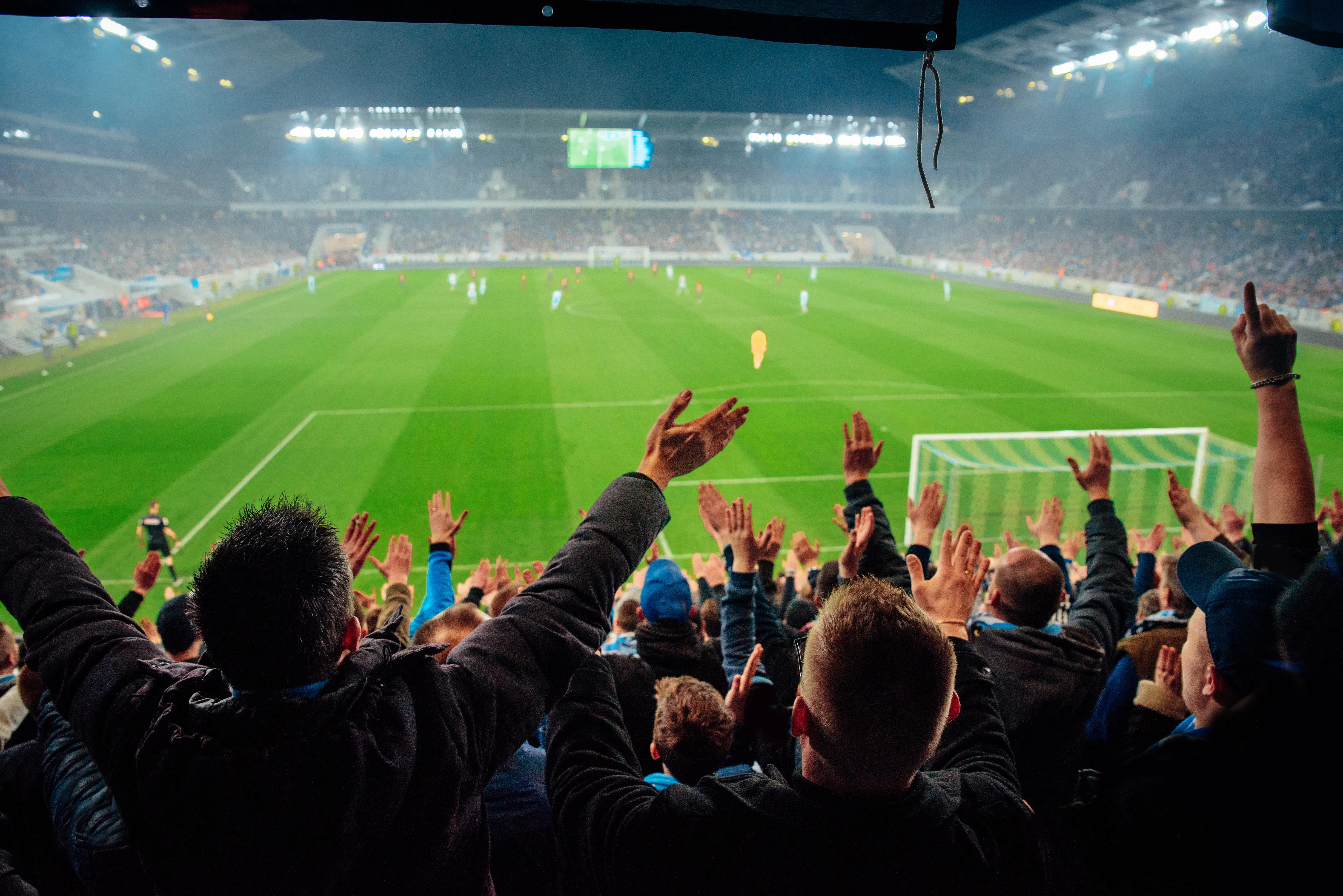
Even if your guests aren’t attending a game, the whole city will be in World Cup mode. Some guests might not realize what’s happening until they arrive, so giving them a heads-up about the event, watch parties, or ways to get in on the excitement is a great value-add. Tickets to the matches may sell out quickly, but there will still be plenty of action off the field.
The confirmed Atlanta match schedule thus far includes teams from Spain, Cabo Verde, South Africa, Saudi Arabia, Morocco, Haiti, and Uzbekistan. There are still two teams to be determined in the June 18th and June 27th group stage matches, as well as knockout round competitors.
Here are other ways to curate an exceptional guest experience:
- Include a printed match schedule and clear instructions for how to watch games back at your Airbnb (YouTube TV, FOX Sports, Peacock, Telemundo).
- Point guests to fan zones or public watch parties nearby, and share tips for getting to the stadium. MARTA is usually the easiest way. Tell guests to buy a Breeze Card in advance, and leave early to beat the crowds. It's faster and usually cheaper than rideshare, especially on match days.
- Create a welcome basket with a mix of local and World Cup flair. Coca-Cola began in Atlanta, and even has special edition FIFA bottles you can include. Add in a local craft beer, a bottle of Atlanta-made hot sauce, and a few fan-friendly extras like scarves, pins, or t-shirts from the FIFA World Cup Atlanta collection.
- Add a local guide with must‑see Atlanta stops. These are perfect for downtime between matches: Ponce City Market, The BeltLine, Georgia Aquarium, MLK Jr. National Historical Park, and the National Center for Civil and Human Rights.
- Translate key instructions (check‑in, Wi‑Fi password, TV setup) into languages some international fans might use like Spanish, French, Arabic, or Portuguese. You can do this easily using tools like Google Translate or you can even find some Airbnb multilingual messaging templates on Etsy. Search for one that offers one in the language you’re looking for).
Even if someone is only in Atlanta for a night, these touches make your place feel like more than a stop on the way to the stadium. They make it an experience.
Create 5-star guest experiences
With Uplisting, you can send the right messages at the right time on all booking sites. Read and respond to guest messages in a single, unified inbox — whether you’re at the office or on the go.
6. Build Your Support Team
Even if you’re only planning to host during the World Cup, having the right help on hand will make the whole experience a lot less stressful. Between fast turnovers, guest questions, and the general buzz of the tournament, you’ll be glad you’re not doing it all solo.
Here are some local services worth lining up early:
Professional cleaning services
IReliable cleanings between guests are essential, especially during high‑turnover periods like the World Cup. Consider these Airbnb cleaning services in Atlanta that specialize in short‑term rentals and guest‑ready turnovers:
Co‑hosts or property managers
If you’ll be out of town or just want help with bookings, messaging, and guest care, consider Airbnb property management in Atlanta.
iTrip Atlanta is a locally owned, hands-on boutique vacation rental management company led by Kellie and Lora, the two owners who are deeply embedded in the day-to-day operations of every home they represent.
What differentiates iTrip Atlanta is their ability to pair white-glove, local oversight with the national and international reach of the iTrip brand. Property owners benefit from direct access to ownership, customized strategies, and proactive asset management, all while still leveraging enterprise-level marketing, global booking channels, and industry-leading technology.
You can get started with iTrip Atlanta by emailing [email protected] or [email protected] or reaching out via phone at (678) 373-2426.
We also recommend Casago. At your vacation rental, anything and everything can happen. Guests can get locked out at midnight. The AC breaks on a hot summer day. Pipes can leak. When Casago manages your home, they’ll take care of it, so you don’t have to. You can get started with Casago by emailing [email protected] or giving them a call at (888) 275-3260.
As an alternative, find individual co‑hosts directly via Airbnb’s Co‑Host Network.
Storage solutions and other operational support
For hosts clearing out personal items or storing extra linens and supplies, use this index of Atlanta storage facilities.
Note: Providers may have World Cup‑specific offers closer to 2026 game dates, so check availability and match proximity when booking.
7. Make Game-Changing Money
The FIFA World Cup 2026 in Atlanta is one of the city’s biggest travel moments, and that means strong short‑term rental demand and a chance to make game-changing money if you plan strategically.
Here are ways to make the most of it:
Open your calendar early
World Cup travelers, especially international guests, start booking months in advance. You increase the odds of locking in longer or premium stays around match dates by making your space available early.
Use the World Cup Dashboard to benchmark
Even after you’ve listed your space, pricing isn’t a set-it-and-forget-it move, especially during a dynamic event like the World Cup where the teams will be determined closer to the date for certain matches. AirDNA’s World Cup Dashboard shows real-time data on booking pace, nightly rates, and occupancy in Atlanta. Use it to stay in sync with rising demand, adjust your prices confidently, and make sure you’re not leaving money on the table as match days get closer.
Look at the past to guide your pricing
Big events tend to reshape short‑term rental markets, and Atlanta has seen that before. During Super Bowl LIII in February 2019, Airbnb prices nearly doubled, jumping from around $80 to $170 per night. Hosts welcomed over 9,000 guests from across the U.S. and 59 countries, showing just how much demand a high-profile event can generate. It’s a strong signal of what’s possible in Atlanta with the FIFA World Cup in 2026 just ahead.
Set minimum stays
Your minimum stay policy is one tool in the Airbnb pricing strategies toolbox because it directly affects occupancy. Instead of one-night gaps, consider 2–3 night minimum stays around clustered match days. That helps reduce turnover work and can appeal to groups or families planning several nights around key games.
Pair Airbnb pricing tools with real data
Airbnb’s Smart Pricing can help you get started, but pairing it with insights from the World Cup dashboard and historical trends will help you optimize. Brush up on event-based booking patterns.
Plan on revisiting your pricing just before knockout rounds determine what teams will play in the Round of 32 game on July 1st and the Round of 16 game on July 7th in Atlanta. The contenders for those dates will be determined by the conclusion of the group stage ending June 27th. The countries competing in the July 15th semi-final will be decided by the quarter final matches the week prior. Expect booking surges once the competition is decided, as fans wait to book travel until they know if their team is playing.
Keep in mind that some of your most strategic pricing choices will happen during the event period to maximize on last-minute booking behavior.
You may even want to consider waiting to make the quarter final and semi-final dates available to book on Airbnb until the tournament is underway. Prices will climb higher as the dates approach and the competing teams are determined.
How is your STR performing?
Your vacation rental may be amazing, but is it better than your competition? Connect your Airbnb listing to AirDNA to see its Booking Performance Score.
Want the crash course on how to get started with a short-term rental? The Hosting Crash Course from MOVHA is a great resource. The data shared is specific to Kansas City but most of the information is helpful no matter what city you are in.
FAQs
When is the World Cup in Atlanta?
The FIFA World Cup 2026 Atlanta match schedule spans from June 15 to July 15, 2026. Games will be played throughout that month, including five group-stage matches, two knockout rounds, and one semi-final at Mercedes-Benz Stadium.
How many World Cup games will be in Atlanta?
Atlanta is hosting eight total matches, making it one of the busiest U.S. host cities. That includes:
- Five group-stage games (June 15, 18, 21, 24, 27)
- One Round of 32 game (July 1)
- One Round of 16 game (July 7)
- One semi-final (July 15)
What World Cup games will be in Atlanta?
Atlanta will host a mix of group and knockout stage matches, plus a semi-final. Specific matchups include teams like Spain, Saudi Arabia, and Morocco, though final team assignments may shift based on qualifiers. You can view the full official match schedule on FIFA’s website.
How do I turn my home into an Airbnb for the World Cup?
Start by determining where you’ll go while guests are staying in your space. You’ve got options. Stay with friends, book a quick getaway, or rent a place across town. Many first-time hosts make it work with just a little planning.
Here’s how to get started, according to our Atlanta World Cup hosting guide:
- Check Atlanta’s short-term rental regulations to make sure you’re registered.
- Prep your space so it’s comfortable, clear of personal items, and guest-ready.
- Create a solid listing with great photos, stadium proximity, and helpful info.
- Find a local cleaner and, if desired, a property manager to support your operations during the tournament.
Stay on top of performance trends with AirDNA’s World Cup Calculator Dashboard and set strategic nightly rates based on demand.
ARTICLE SUMMARY
We break down local regulations, listing best practices, and pricing strategies to help Atlanta hosts prepare early and maximize revenue during the World Cup.
Bram Gallagher
AirDNA Director of Economics and Forecasting
Bram Gallagher is an Economist at AirDNA, specializing in uncovering insights that drive smarter short-term rental decisions. He put his Ph.D. in Economics from the University of Georgia to work researching and forecasting hotel data with CBRE prior to joining AirDNA, as well as teaching economics at a number of universities. In his spare time, Bram enjoys making wooden furniture with hand tools.
