


Boston World Cup 2026 Hosting Guide for Airbnb
Published: February 17, 2026
Last updated: September 25, 2026

Bram Gallagher
Key Takeaways:
- Boston is one of the top three U.S. cities for Airbnb host earnings during the World Cup, with average stays projected to earn over $5,200.
- Early booking demand is already building, especially for the June 13 Haiti vs. Scotland match, which is the most searched game on Airbnb across all host cities.
- Preparing early and pricing strategically can help you maximize income as a host during this once-in-a-generation event.
If there’s ever been a year to try out Airbnb hosting in Boston, this is it.
The FIFA World Cup 2026 is coming to town, and with a high-profile group match and a quarter-final happening at Gillette Stadium, Boston is about to see a major wave of soccer fans from around the world.
Boston is expected to be one of the top cities for Airbnb host earnings during the tournament, so whether you’ve been hosting for years or are just thinking about listing your place for the first time, now’s a great moment to jump in.
To help you get started, we’ve put together the information you need to make game-changing money with a step-by-step Boston World Cup hosting guide.
FIFA World Cup Boston 2026 Snapshot
Stadium: Boston Stadium (Gillette Stadium)
Location: Foxborough, MA (Greater Boston area)
Capacity: ~65,000
Boston is hosting seven FIFA World Cup 2026 matches, including four group-stage games, a Round of 32 match, and a quarterfinal, making it one of the busiest U.S. host cities on the schedule.
Here is the confirmed match schedule:
- June 13: Haiti v Scotland (Group C)
- June 16: Bolivia/Iraq/Suriname v Norway (Group I)
- June 19: Scotland v Morocco (Group C)
- June 23: England v Ghana (Group L)
- June 26: Norway v France (Group I)
- June 29: Match 74 (Round of 32)
- July 9: Match 97 (Quarterfinal)
Boston is projected to be one of the top-earning U.S. cities for Airbnb hosts during the tournament, with hosts expected to earn around $5,200 per stay on average. That puts Boston in the top three nationally, behind only the New York / New Jersey area and slightly ahead of Los Angeles and Miami.
Much of that demand is already showing up in early Airbnb data. The June 13 Haiti vs. Scotland match is currently the #1 most searched game on Airbnb across all host cities. Those searches are coming predominantly from U.S. travelers, which means we could see a wave of shorter booking windows and last-minute demand, especially from fans looking to road-trip or book spontaneous getaways. For any Boston Airbnb hosts, that could translate to some serious income opportunities as the tournament heats up.
7 Steps to Get Ready for Airbnb Hosting During the Boston World Cup 2026
With the World Cup coming to Boston, fans will be coming and going for weeks. Now is the time to make sure you're set up to stand out and earn as much as possible while the city’s in the spotlight.
1. Check Your Local Regulations
Before you list your place, make sure you’re playing by the rules. Boston has specific short-term rental laws in place, and enforcement tends to ramp up during major events like the World Cup.
Here’s what you need to know:
- You must live in the unit for at least 6 months per year. You cannot list a second home or an apartment you do not live in.
- All short-term rental units must be registered with the City of Boston. There is a $200 fee per unit.
- Listing types are limited to either your entire home (while you’re away), private rooms within your home, or one unit in a 2-3 unit building where you reside.
- You need to display your registration number on your Airbnb listing.
- Units must meet safety requirements and be free of outstanding building or housing code violations.
Boston also requires hosts to have a business certificate. There’s no special World Cup permitting process (yet), so make sure you’re fully registered before guests arrive. Visit the City of Boston Website for full details or to start your application.
If you're not sure how to find rules for your specific area, our blog on sourcing local STR ordinances can help walk you through it.
Note: Regulations can change and enforcement tends to ramp up during major events, so always double-check with official city sources before listing.
2. Create Your Listing
Getting your home on Airbnb might sound intimidating, but the setup process is simpler than you think. You do need to bring your A-game, though, if you want to earn as much as possible while demand is sky-high.
Here’s how to make your Airbnb work harder for you during the World Cup in Boston:
Decide if you’ll share your space or rent the whole home
For Boston Airbnb hosts, the World Cup presents two legal hosting options under primary residence rules: Rent a private room while you stay home, or rent your entire home while you’re away. The right choice comes down to comfort level, availability, and how much income you want to capture during peak match weeks.
Renting a private room works best if you’ll be in Boston and prefer a lighter lift. It appeals to solo travelers and short-stay guests, especially those attending a single match. This option requires less prep, avoids moving out, and still benefits from tournament-driven demand, particularly if your home is near transit or downtown.
Renting your entire home unlocks the biggest upside, especially during big-name games, when group travel spikes.
Some hosts plan to do both by renting a room during early matches, then switching to the full home as demand intensifies. Deciding your approach early allows you to open calendars confidently and adjust pricing as the tournament unfolds.
Take great photos
Photos are the first thing guests see, and first impressions matter. Clean up your space, open the blinds, and take wide, well-lit shots of each room. If you're near Boston Stadium, a train station, or popular neighborhoods, make sure to highlight that. The better your photos, the more confidently you can price your listing.
Write a clear, helpful title and description
Think like a guest. What would make your place appealing to someone flying in for the World Cup? Highlight things like stadium access, nearby food and pubs, game-watching setups (like a big TV), and space to relax between matches. If you’re renting your whole home, mention how many people it can comfortably sleep. We’ve got great articles on how to write a great Airbnb title and host description if you’re looking for inspiration.
Consider turning off Instant Book
Usually we recommend Instant Book because it makes the booking process faster for guests and keeps your host response rate high, which Airbnb’s ranking algorithm prefers. Plus, Instant Book properties tend to have slightly higher occupancy and nightly rates than their counterparts.
However, the level of demand is through the roof for Boston World Cup dates, so you don’t need to worry about losing business by adding a little bit of friction to the booking experience. It’s worth taking the time to screen guests before accepting a booking request during a high-energy event like this. Review guest profiles, ask a few questions, and feel more confident in offering an Airbnb primary residence or hosting larger groups.
Set the right price
Airbnb will prompt you to choose a nightly rate during the listing process.Keep in mind, thought, that what similar Airbnbs in your area usually charge during June and July won’t help you determine appropriate pricing during the World Cup. That’s because events drive unusual demand levels that support a higher bar for nightly rates.
Instead, use specific, event-oriented tools. Our World Cup dashboard shows you the available rate and booked rate for short-term rentals in your city for each match date, so you can understand what available inventory is charging and how much guests who have already booked have paid. We go deeper on pricing strategy in Step 6.
Add a cleaning fee that makes sense
You'll be prompted to add your cleaning fee when setting up your listing. In Boston, the average cleaning fee is $156 per stay but creeps above $200 as properties hit 4 bedrooms or more.
During events like the World Cup, guests might be coming in groups and the atmosphere will be festive. You might expect a little extra cleanup around game days if guests are preparing food, watching from your home, or gathering with friends there after the match. Here’s how to add your cleaning fee on Airbnb.
Set up basic guest messages
Airbnb makes it easy to schedule quick replies. At a minimum, we recommend:
- A confirmation message after booking
- Check-in details a day or two before arrival
- A quick check-in message mid-stay (optional)
- Clear checkout instructions
These communication touches will make the whole experience smoother for you and your guests.
3. Prepare Your Home for Guests
The idea of strangers staying in your home can feel a bit strange at first. That’s totally normal.
However, getting your place ready for World Cup guests doesn’t have to be complicated or expensive. You’re not turning it into a hotel. You’re just making it a comfortable and welcoming space for someone to rest between matches, celebrations, and sightseeing.
Whether your guests are flying in from abroad or driving in from nearby states, they’ll appreciate a home that’s clean, functional, and thoughtfully set up. Here’s how to get your Boston Airbnb ready for the World Cup:
Set clear house rules
There'll be a festive atmosphere across the city, especially around big matches. Be upfront with expectations about noise, parties, smoking, and guest limits. If you live in a rowhome, condo, or apartment building, check for building or HOA guidelines and include those in your house manual or booking messages.
Secure your belongings
You don’t need to clear out everything, but do remove or lock away anything valuable, fragile, or deeply personal. A locked closet, cabinet, or spare room works well. Some hosts also use off-site storage or leave important items with a trusted friend or family member.
Create space for guests
Clear out a few drawers or closet space so guests can unpack. Stock up on fresh towels, linens, and toiletries. If you’re hosting groups, make sure you have enough dishes, seating, and basic cooking supplies. A folding table, extra chairs, or even picnicware can help.
Make check-in easy
Guests may arrive late or be unfamiliar with the area. A lockbox or smart lock is an easy way to streamline check-in. Leave a note with Wi-Fi details, house quirks, and local tips somewhere visible, like on the fridge or in an entryway binder.
Prep for New England weather
June and July in the Boston area can be warm and muggy. Make sure your AC or fans are in working order, and consider blackout curtains to help keep things cool in the afternoons.
Help guests get to the stadium
World Cup matches will be played at Gillette Stadium in Foxborough, not in downtown Boston. That means planning ahead is key for your guests. Share this info in your guestbook or pre-arrival message:
- Stadium name: Gillette Stadium
- Address: 1 Patriot Place, Foxborough, MA 02035
- Transit: No direct subway access. Guests can take the MBTA Franklin Line (special event trains) from South Station to Foxboro Station on game days.
- Rideshare tip: Expect surge pricing and delays after matches. Pickup zones will be designated near the stadium.
- Parking: On-site parking is available but expensive. Encourage guests to pre-book or carpool if driving.
If your home is near a commuter rail station like South Station, Back Bay, or Dedham Corporate, highlight that in your listing; it’s a major convenience for fans traveling to the games.

4. Look into Short-Term Rental Insurance
Even with the best guests, things can go wrong: A stained rug, a broken appliance, or a late-night mishap. Before you hand over the keys, it’s worth making sure you’re covered.
Airbnb’s AirCover provides up to $3 million in liability and damage protection, and it’s included automatically for every host. For many, that’s a solid starting point. However, it’s not a comprehensive insurance policy and it may not cover everything, like property damage or lost income from business interruption due to a covered risk.
If you're only planning to rent out your place for a few nights, buying a brand-new policy might feel like overkill. That’s where supplemental coverage comes in. Some companies (like Allstate’s HostAdvantage®) offer short-term add-ons that work with your existing home insurance and are designed specifically for part-time or event-based hosting.

Tip: Steadily Insurance provides fast, affordable landlord insurance for short-term rental hosts. It's fast and affordable.
5. Get to Know Your Guests and Create an Experience
Only part of the FIFA World Cup 2026 experience unfolds in the stadiums that hold matches. Fans from across the globe are also coming to Boston to enjoy local dining and attractions and celebrate with other soccer lovers in a variety of venues. Thoughtful touches can turn a good stay into a great one (and help you earn rave reviews).
Start with a message after booking: Ask if they’re in town for the World Cup and which team they’re cheering for. Knowing their plans can help you tailor recommendations, from local food spots to where to catch a replay.
Even guests who aren’t heading to a match can get swept up in the excitement. Many might not realize how much there is to do around Dallas until they arrive, and that’s where you can add value.
Here are easy ways to elevate the guest experience:
- Share the match schedule and viewing tips. Print the Boston match schedule and leave it where guests can easily see it: on the fridge or in your welcome book. Include notes on how to stream other games they might follow (FOX Sports, ESPN, Telemundo, etc.).
- Point guests toward public watch parties and bars. Boston has no shortage of iconic pubs and sports bars that turn into fan hubs during big tournaments. Spots like The Banshee in Dorchester and Phoenix Landing in Cambridge are known for lively soccer watch parties. Include a short list of options and maybe even tips for getting there.
- Include a local welcome basket. A local touch goes a long way. Fill a small basket with uniquely Boston items like: a tin of Boston Tea from Abigail’s Tea Room at the Boston Tea Party Ships & Museum, A Boston Red Sox cap, a local roast from George Howell Coffee, or merch from the official FIFA World Cup Boston store.
- Add a mini city guide. Guests may want to explore outside match days. Include your favorite things to do between matches, from walking the Freedom Trail and catching views at the Bunker Hill Monument, to checking out Fenway Park or the Museum of Fine Arts. Mention transit tips or parking tricks. It’s all helpful.
- Offer multilingual or culturally aware touches. Fans will come from across the globe. Providing translated key instructions (Wi‑Fi info, check‑in/out steps, transit tips) can ease confusion. Small gestures like offering internationally familiar snacks or a note explaining local tipping norms go a long way for comfort. Here’s a helpful guide on culturally inclusive Airbnb hosting for the World Cup.
6. Build Your Support Team
Hosting during the World Cup will be exciting, but also very busy. Having trusted local support can make your experience smoother, especially if you’re juggling bookings, guests, or even travel of your own.
Professional cleaning services
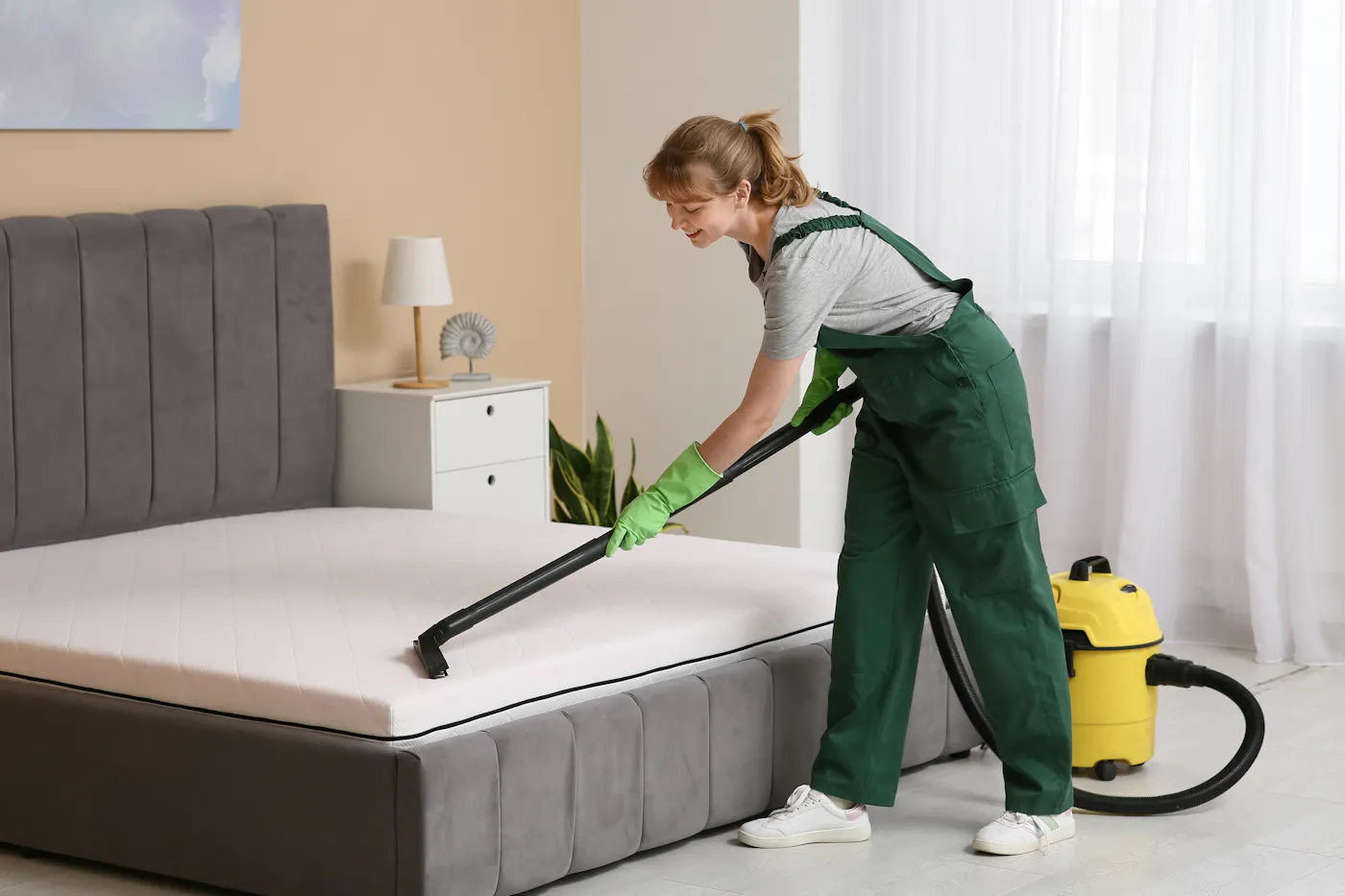
If you’re renting out your own home, you might be tempted to clean it yourself. For some hosts, that works fine. During a high‑turnover stretch like the World Cup, though, hiring a pro can save time and reduce stress.
Here are some Boston-based cleaning teams that specialize in Airbnb and short-term rental turnovers:
These teams often offer same-day availability, laundry service, and restocking, which is essential during a fast-paced event like the World Cup. Be sure to book early. Many of them fill up well in advance of major events.
Co-hosts or property managers
Co-hosts and property managers can help with guest communication, check-ins, stocking supplies, and even price optimization. That’s especially helpful if you’re hosting multiple guests or unavailable during the tournament.
Here are a few Boston-based property management companies that we recommend:
Atlantic Vacation Homes has provided visitors from around the world with dream vacations along Massachusetts’ North Shore for 40 years. Serving the greater Cape Ann area, their large portfolio of homes and local expertise have made them a trusted leader in the vacation rental industry.
As a full-service short-term rental company, they manage every detail, including marketing, reservations, housekeeping, property management, and more. Their dedicated team is known for exceeding homeowner expectations and creating guest experiences that keep visitors returning year after year. Get started with Atlantic vacation homes by reaching out via email at [email protected] or by phone at (978) 283-4777.
For property management service that includes preparation of your space, consider Heirloom. At Heirloom, they believe that group travel should never mean compromising on luxury amenities and beautiful design. Each of their 300+ listings is custom designed by their team of interior decorators, local artists, and architects to create an experience that cannot be replicated. Get started with Heirloom by reaching out via email at [email protected] or by phone at (334) 235-0558.
Lastly, Casago sets the new standard in vacation homes. At your vacation rental, anything and everything can happen. Guests can get locked out at midnight. The AC breaks on a hot summer day. Pipes can leak. When Casago manages your home, they’ll take care of it, so you don’t have to. Get started with Casago by reaching out via email at [email protected] or by phone at (888) 275-3260.
You can also search for individual co-hosts using Airbnb’s Co‑Host Network, if you prefer working one-on-one.
Many local co-hosts and cleaners book up quickly ahead of major events like the World Cup, so reach out early to lock in support.
Storage solutions and other support
If you're listing your primary residence, you may want to clear out valuables, personal items, or excess furniture to make guests feel at home and to give yourself peace of mind.
Short-term storage is a great way to simplify your space and minimize clutter during the tournament.
Here are a few local storage providers to consider:
If you’re listing your home for 2–4 weeks, ask about monthly or short-term promotions. Some facilities also offer pickup services, so you don’t have to do all the heavy lifting yourself.
Remember: Storage expenses for hosting purposes may be tax-deductible. Keep your receipts and talk to a tax advisor about claiming them as business-related deductions.
7. Make Game-Changing Money
Boston hosts are well-positioned to cash in during the World Cup. With average earnings projected around $5,200 per stay, it’s one of the top cities nationally for Airbnb income.
Here’s how to make the most of this once‑in‑a‑generation opportunity if you’re planning to host in Boston:
Open your calendar early
World Cup travelers, especially international guests, start booking months in advance. You increase the odds of locking in longer or premium stays around match dates by making your space available early.
Use the World Cup Dashboard to benchmark
Even after you’ve listed your space, pricing isn’t a set-it-and-forget-it move, especially during a dynamic event like the World Cup where the teams will be determined closer to the date for certain matches. AirDNA’s World Cup Dashboard shows real-time data on booking pace, nightly rates, and occupancy in Boston and all the other World Cup host cities. Use it to stay in sync with rising demand, adjust your prices confidently, and make sure you’re not leaving money on the table as match days get closer.
Look to the past to set your baseline pricing
Before you set your World Cup rates, look at how Boston performs during its biggest demand spikes. Think Marathon Weekend, Red Sox playoff games at Fenway, major concerts at Gillette or TD Garden, and graduation weekends across the city’s universities. Those events consistently tighten supply and push nightly rates higher across neighborhoods like Back Bay, South End, Cambridge, and the Seaport.
Check what similar listings charge during those peak weekends and how quickly they were booked. Browsing Boston listings on Airbnb as a guest for event dates is a great way to get an initial feel for pricing.
Use those high-demand dates as your pricing floor, then layer World Cup demand on top. If bookings come in fast, raise rates. If the pace is slower than expected, adjust gradually. Boston’s past peaks give you a practical starting point.
Joining local short-term rental host Facebook groups, Reddit threads, and the Airbnb host forum is a great way to connect with hosting veterans who can give you insight into how other major events have shaped pricing in the area historically.
Set minimum stays
Your minimum stay settings are one of the best tools you’ve got for managing occupancy and maximizing income. Instead of dealing with one-night gaps, consider setting 2–3 night minimums around clustered match dates. It’ll help cut down on turnover and attract groups or families staying for multiple games or events.
Pair Airbnb pricing tools with real data
Airbnb’s Smart Pricing can help you get started, but pairing it with insights from the World Cup dashboard and historical trends will help you optimize. Brush up on event-based booking patterns.
Keep an eye on your pricing in early June and again in late June. The Haiti vs. Scotland game on June 13 is already the most searched game on Airbnb and interest is sure to rise even further. There’s also a quarterfinal on July 9. Expect demand and prices to spike around those dates, especially as team matchups are confirmed.
Some hosts may opt to hold back premium nights, like the quarterfinal or high‑demand group games, and list them later at a higher price once fan travel becomes more certain. With many guests booking based on team progression, staying flexible can help you capture last‑minute interest at top dollar.
Remember: Optimizing your pricing during the tournament itself can be just as important as setting it ahead of time. Stay flexible and ready to adjust as booking patterns shift.
Want the crash course on how to get started with a short-term rental? The Hosting Crash Course from MOVHA is a great resource. The data shared is specific to Kansas City but most of the information is helpful no matter what city you are in.
FAQ
When is the World Cup in Boston?
The FIFA World Cup 2026™ runs from June 11 to July 19, 2026. Boston’s matches begin on Saturday, June 13, and wrap with a Quarterfinal match on Thursday, July 9.
How many World Cup games will be played in Boston?
Boston is hosting seven matches total at Gillette Stadium, including six group-stage games and one knockout-round match.
What World Cup games will be in Boston?
Confirmed matchups include:
- Haiti vs. Scotland – June 13
- Bolivia/Iraq/Suriname vs. Norway – June 16
- Scotland vs. Morocco – June 19
- England vs. Ghana – June 23
- Norway vs. France – June 26
- Match 74 (Round of 32) – June 29
- Match 97 (Quarterfinal) – July 9
How can I turn my home into an Airbnb for the World Cup?
If you’re thinking about hosting during the World Cup, start by registering your home as a short-term rental with the City of Boston. From there, you’ll want to get your space ready for guests: Clear out personal items, stock up on essentials, and make sure everything’s clean and easy to use.
Once your place is prepped, set up your Airbnb listing with clear photos, house rules, and pricing that reflects the moment and the market. Many hosts use pricing tools like AirDNA’s World Cup Dashboard to track demand and adjust rates. Be sure to think about the guest experience: Leave local tips, streaming instructions for the matches, or even a little Boston-themed welcome basket can go a long way toward earning great reviews (and repeat bookings).
ARTICLE SUMMARY
Boston is gearing up to be one of the busiest and most lucrative World Cup host cities in 2026. With fans expected to flood into Boston and demand already spiking, local Airbnb hosts have a major chance to cash in, whether you're a first-timer or seasoned pro. We’ve put together a World Cup hosting guide so you can make the most of it.
Bram Gallagher
AirDNA Director of Economics and Forecasting
Bram Gallagher is an Economist at AirDNA, specializing in uncovering insights that drive smarter short-term rental decisions. He put his Ph.D. in Economics from the University of Georgia to work researching and forecasting hotel data with CBRE prior to joining AirDNA, as well as teaching economics at a number of universities. In his spare time, Bram enjoys making wooden furniture with hand tools.



Get started with AirDNA today.
Powerful, easy-to-use tools that help hosts and investors succeed in the short-term rental market.
Try for free